One-to-many vs many-to-one
The easiest way to tell an HDMI splitter and an HDMI switch apart is to ask which direction the signal is travelling. A splitter takes one HDMI input and duplicates it across multiple outputs, so every connected screen shows the exact same picture at the same time. A switch does the opposite: it takes multiple HDMI inputs and sends only one of them to a single display at a time, letting you choose which source is active.
A good splitter example is the UGREEN 90806 1-IN-4 OUT HDMI SPLITTER 4K@60HZ (Rs. 10,810), which sends one HDMI signal to four displays simultaneously at 4K@60Hz. It runs in “Mirror Only” mode, meaning all four screens are guaranteed to show identical content – there is no way to send different video to each one.
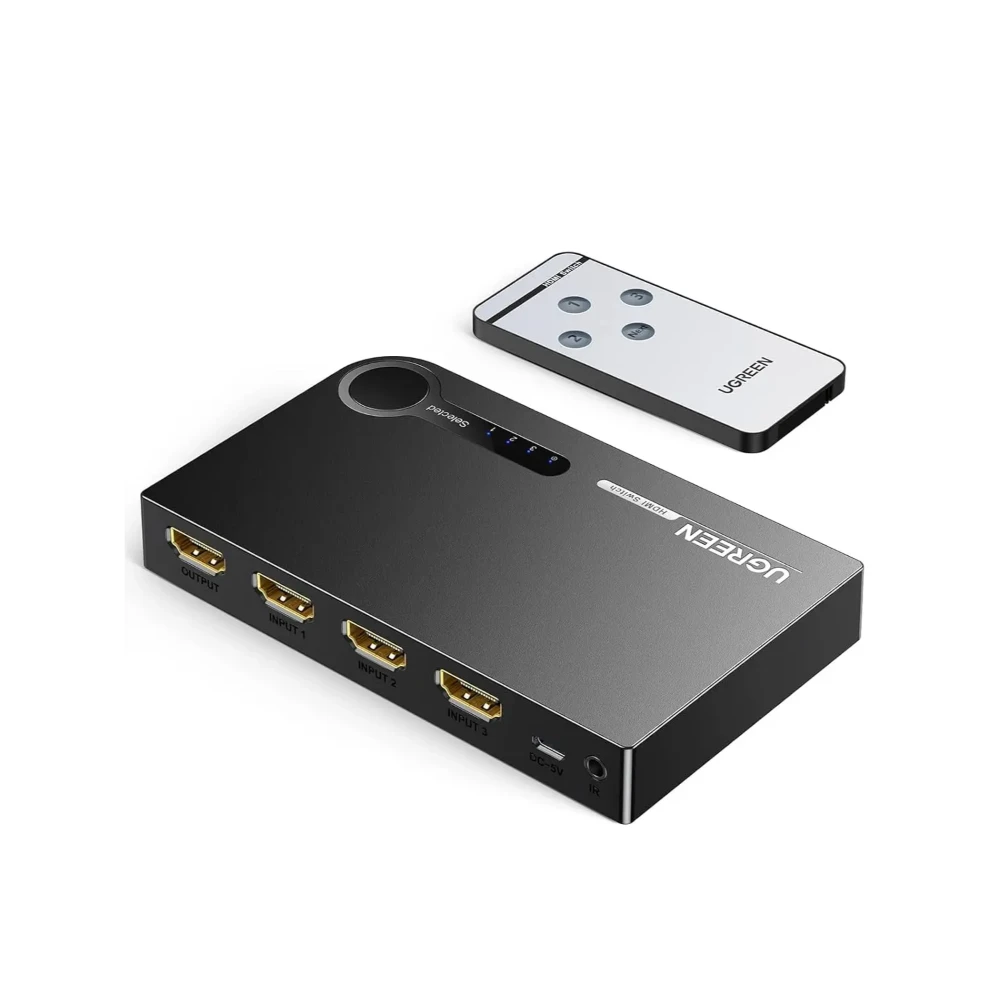
A good switch example is the UGREEN 40234 3-PORT 3X1 HDMI SWITCH (Rs. 6,948), which lets three devices – a games console, a media player and a laptop, for example – share one TV. Pressing the manual button, with LED indicators showing which input is live, swaps between them instantly without unplugging any cables.
When one device does both jobs
If you are not sure which direction you need, or your setup might change later, a bidirectional model solves that problem. The UGREEN 50966 2 IN 1 OUT HDMI SWITCHER (Rs. 4,400) can be used as a 2-in-1-out switch or flipped to work as a 1-in-2-out splitter, and either way it supports 4K@60Hz with 18Gb/s of bandwidth, plus HDR, 3D and HDCP 2.2/1.4. The UGREEN 70607 4K 30HZ 2 WAY HDMI BIDIRECTIONAL SWITCH SPLITTER (Rs. 5,264) offers the same two-way flexibility in an aluminum housing with a bundled cable, at 4K@30Hz.
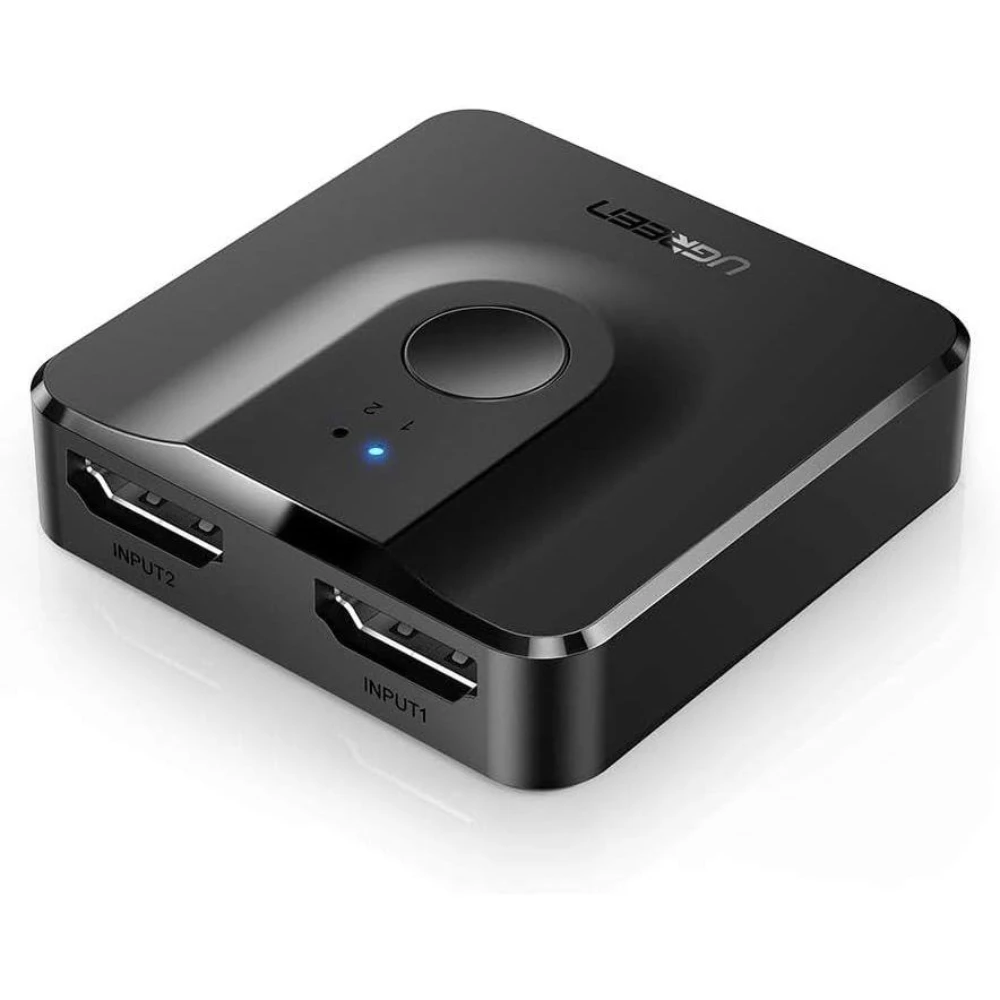
Both of these bidirectional units are plug-and-play with no external power required, which makes them an easy, low-commitment way to try either function before you commit to a dedicated splitter or a dedicated switch.
Quick decision guide
When you are standing in front of a shelf of near-identical looking black boxes, this short checklist usually settles it:
- Want the same content on two or more screens at once, such as a movie playing in two rooms? You need a splitter.
- Want to connect several devices – a console, a laptop, a streaming box – to one screen and choose between them? You need a switch.
- Not sure yet, or need both at different times? A bidirectional switcher like the UGREEN 50966 or UGREEN 70607 covers both cases in a single box.
Frequently Asked Questions
Can I use an HDMI splitter to connect two laptops to one monitor?
No – that is a switch’s job. A splitter only duplicates one input across multiple outputs. For two or more devices sharing one screen, use a switch such as the UGREEN 40234 3×1 (Rs. 6,948) or a bidirectional unit like the UGREEN 50966 (Rs. 4,400).
Does a bidirectional switcher lose picture quality compared to a dedicated splitter or switch?
Not based on the listed specifications: the UGREEN 50966 supports 4K@60Hz with 18Gb/s of bandwidth, HDR and HDCP 2.2/1.4 in either mode, matching the resolution class of dedicated splitters in the same price range.
What is the most affordable way to try HDMI switching?
The UGREEN 50966 at Rs. 4,400 and the UGREEN 70607 at Rs. 5,264 are the two lowest-priced bidirectional options here, useful for testing both switch and splitter functions before buying dedicated hardware.
Do these devices need external power?
The UGREEN 50966 and UGREEN 70607 are both plug-and-play with no external power needed. Larger, higher-capacity splitters elsewhere in the range do require a power supply, so always check the specific product’s power requirement before installing.
Leave a Reply