Why splitters sometimes “downgrade” your picture
Every display communicates its supported resolutions back to the source through a handshake known as EDID. When several different displays are connected to one splitter, mismatched EDID information can cause the source to default to the lowest common resolution, or to fail to output a picture at all. This is one of the most common reasons a splitter seems to be misbehaving even though nothing is physically wrong with it.
This is exactly what EDID management is built to address. The UGREEN 90514 4K@60Hz HDMI SPLITTER 1 IN 4 OUT WITH EDID (Rs. 12,000) is equipped with EDID management for optimal display compatibility, helping it negotiate a consistent signal across four displays at up to 4K@60Hz, and it is plug-and-play with no drivers required.
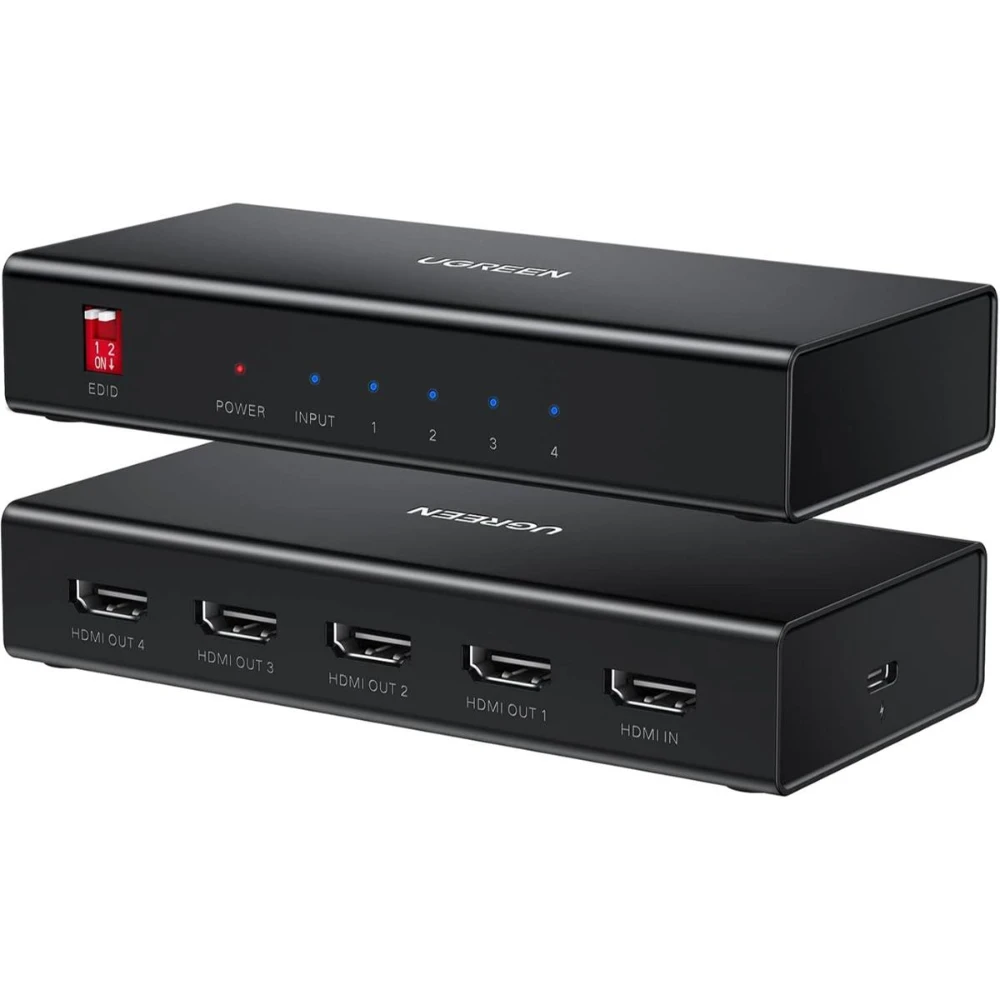
Similarly, the UGREEN 90805 1-IN-4 OUT HDMI SPLITTER 4K@30HZ (Rs. 8,930) combines EDID management with signal amplification, which also helps with a second common issue: a weak or degraded picture over longer cable runs.
When the issue is distance, not the splitter
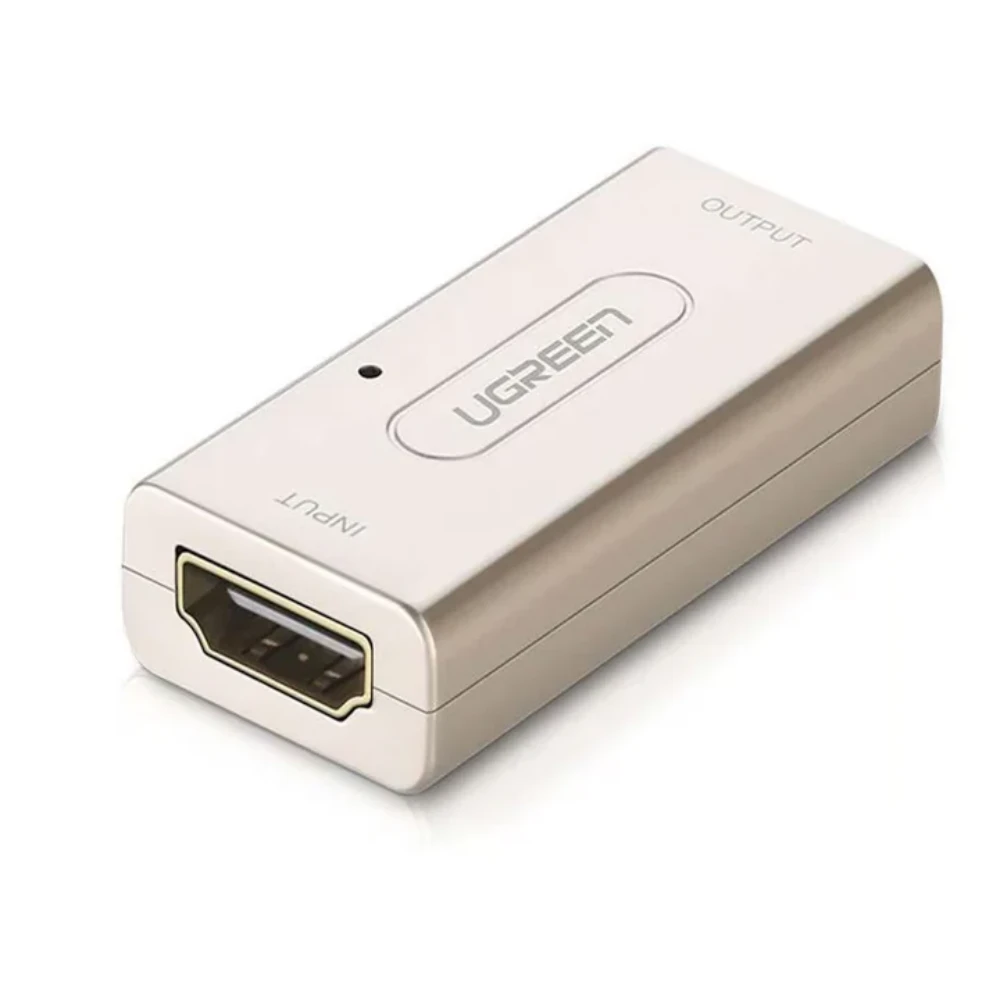
If the picture looks fine close to the source but drops out or flickers further down the line, a repeater or booster can help rather than replacing the splitter itself. The UGREEN 40265 HDMI FEMALE TO FEMALE REPEATER EXTENDER ADAPTER (Rs. 5,790) is an active signal booster designed to extend HDMI signals over longer distances without losing video or audio quality, supporting up to 1080P Full HD.
A quick checklist before assuming the splitter is faulty
- Confirm the splitter is actually powered if it requires an external supply – amplified units need a dedicated power connection, and a missing one is a very common cause of “no signal.”
- Check that all connected displays support a similar resolution and HDCP version, since a mismatched display can trigger a fallback to the lowest common setting.
- Try an EDID-managed splitter, such as the UGREEN 90514 or UGREEN 90805, if you are mixing different display types or ages.
- Add a repeater or booster, such as the UGREEN 40265, if the problem only appears on longer cable runs.
- Verify HDCP compliance on both source and display – most splitters here list HDCP 2.2/1.4 support, but older AV equipment without HDCP support can still show a blank screen with protected content.
Frequently Asked Questions
Why does my splitter output a lower resolution than my source?
This is usually an EDID mismatch between the connected displays. Splitters with EDID management, like the UGREEN 90514 (Rs. 12,000) or UGREEN 90805 (Rs. 8,930), are built to negotiate a consistent resolution across all outputs instead of falling back to the lowest common setting.
My picture flickers or drops out over a long cable – is the splitter broken?
Not necessarily. This is often signal degradation over distance, which an active repeater like the UGREEN 40265 HDMI Female to Female Repeater (Rs. 5,790) is designed to correct.
Does my splitter need a power adapter?
It depends on the model. Amplified, multi-output splitters typically use a dedicated power supply, while compact 1-in-2 or 1-in-4 units are often plug-and-play with no external power needed.
Can HDCP cause a blank screen?
Yes. HDCP is a copy-protection handshake required by many streaming and Blu-ray sources. Most splitters in this range support HDCP 2.2/1.4, but pairing with older, non-compliant equipment can still result in no picture.
Leave a Reply