One TV, several devices
Most TVs and monitors run out of HDMI ports long before you run out of HDMI devices. An HDMI switch fixes that by accepting several sources and feeding just one of them to your display at a time, so you never have to unplug and replug cables to change devices.
The UNITEK V1110A 4K HDMI SWITCH 5 IN 1 OUT 4K@30HZ (Rs. 13,000) is the highest-capacity plain switch in this range, connecting up to five HDMI sources – think a console, a set-top box, a laptop, a streaming stick and a Blu-ray player – to a single display at 4K@30Hz.
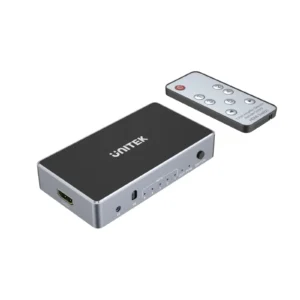
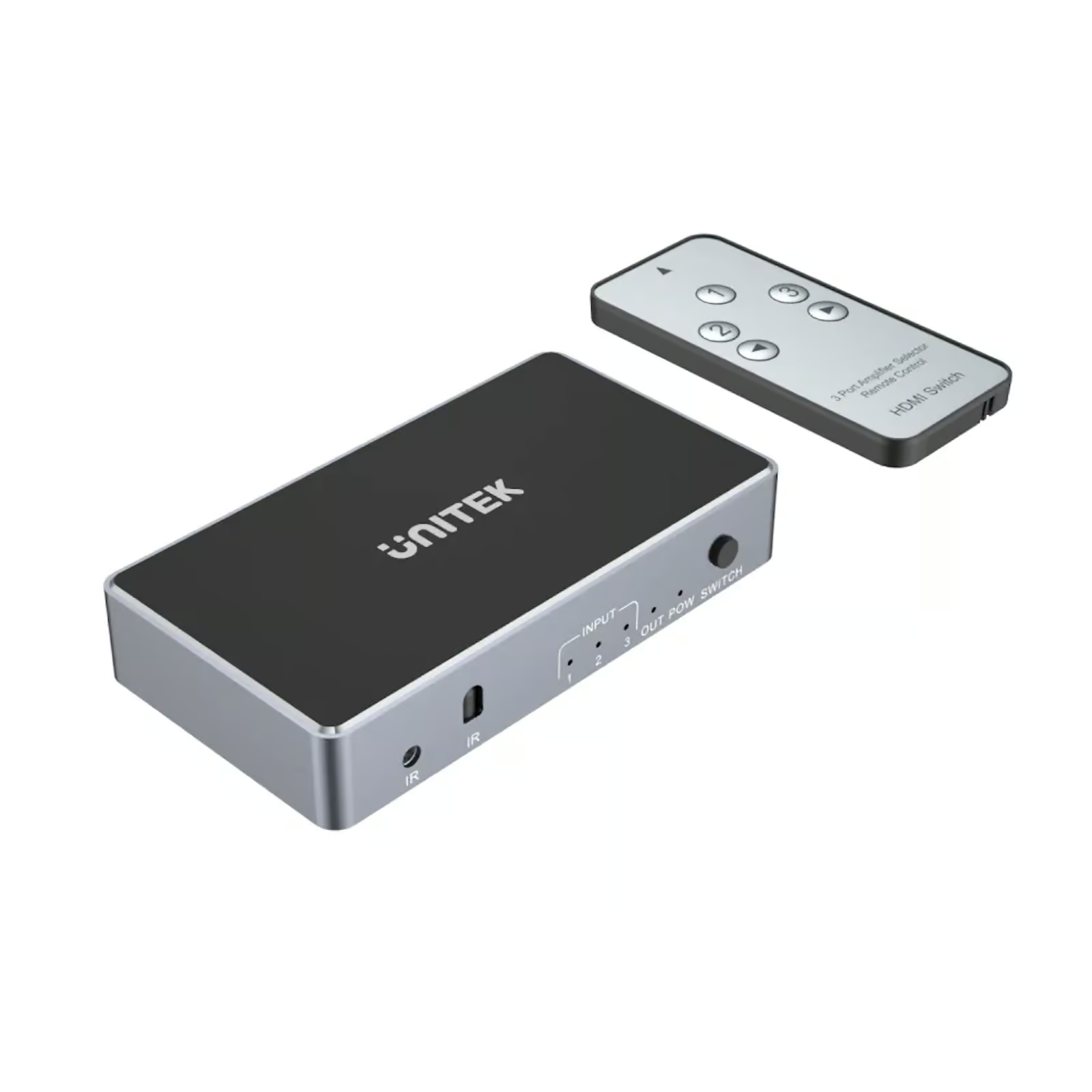
For smaller setups, the UGREEN 40234 3-PORT 3X1 HDMI SWITCH (Rs. 6,948) connects three devices with a simple manual button and LED indicators showing which input is active, and is plug-and-play in most setups. The UNITEK V1111A 4K HDMI SWITCH 3 IN 1 OUT FULL HD (Rs. 9,870) also handles three sources, but supports full 4K at 3840×2160 with 12-bit color, 3D pass-through, and Dolby TrueHD/DTS-HD audio pass-through – worth the step up if you care about audio fidelity through a receiver.
A budget 3-in-1 alternative
The UGREEN 80125 HDMI SWITCHER 3 IN 1 OUT 4K @ 30HZ (Rs. 6,106) is similar in concept to the 40234: three HDMI inputs, one output, 4K@30Hz, 3D support and deep color, with LED indicators and a manual switch button that needs no external power in most setups.
If you are switching laptops, not set-top boxes
Not every source is HDMI-native anymore. The UGREEN 55452 USB-C HDMI SWITCH 2-IN-1 (Rs. 10,453) is built in aluminum and lets two USB-C devices – MacBooks, laptops, tablets – share a single HDMI display at up to 4K@60Hz, switching with one button and no drivers required.
Picking between them
With five switches to choose from, port count and resolution ceiling are the two things worth deciding on first. If you regularly connect more than three devices, the five-port UNITEK V1110A is the only option here built for that. If three ports is enough, compare the UGREEN 40234, UGREEN 80125 and UNITEK V1111A on resolution and audio: the V1111A’s full 4K resolution and Dolby TrueHD/DTS-HD pass-through justify its higher price if you are routing audio through a home theater receiver, while the 40234 and 80125 are simpler and cheaper if you just need basic switching at 4K@30Hz.
None of these switches need drivers or software – every one listed here is plug-and-play, so setup is limited to connecting the cables and pressing a button to choose the active source.
Frequently Asked Questions
How many devices can one HDMI switch handle?
It varies by model. In this range it spans from 2-device bidirectional switchers up to the UNITEK V1110A 5 IN 1 OUT (Rs. 13,000), so pick based on how many sources you actually need connected at once.
Do these switches need a remote control?
The switches covered here – the UGREEN 40234, UGREEN 80125, UNITEK V1111A and UNITEK V1110A – all use a manual push-button with LED indicators rather than a remote, which keeps them simple and inexpensive.
Can I connect laptops via USB-C instead of HDMI?
Yes. The UGREEN 55452 USB-C HDMI Switch 2-in-1 (Rs. 10,453) accepts two USB-C sources and outputs to one HDMI display at up to 4K@60Hz, which suits MacBooks and modern laptops that skip a dedicated HDMI port.
What resolution should I expect from an HDMI switch?
It depends on the model: the UNITEK V1111A and UGREEN 55452 are rated up to 4K@60Hz-class resolution, while the UNITEK V1110A and UGREEN 80125 top out at 4K@30Hz.
Leave a Reply