If Your Laptop Only Has USB-C
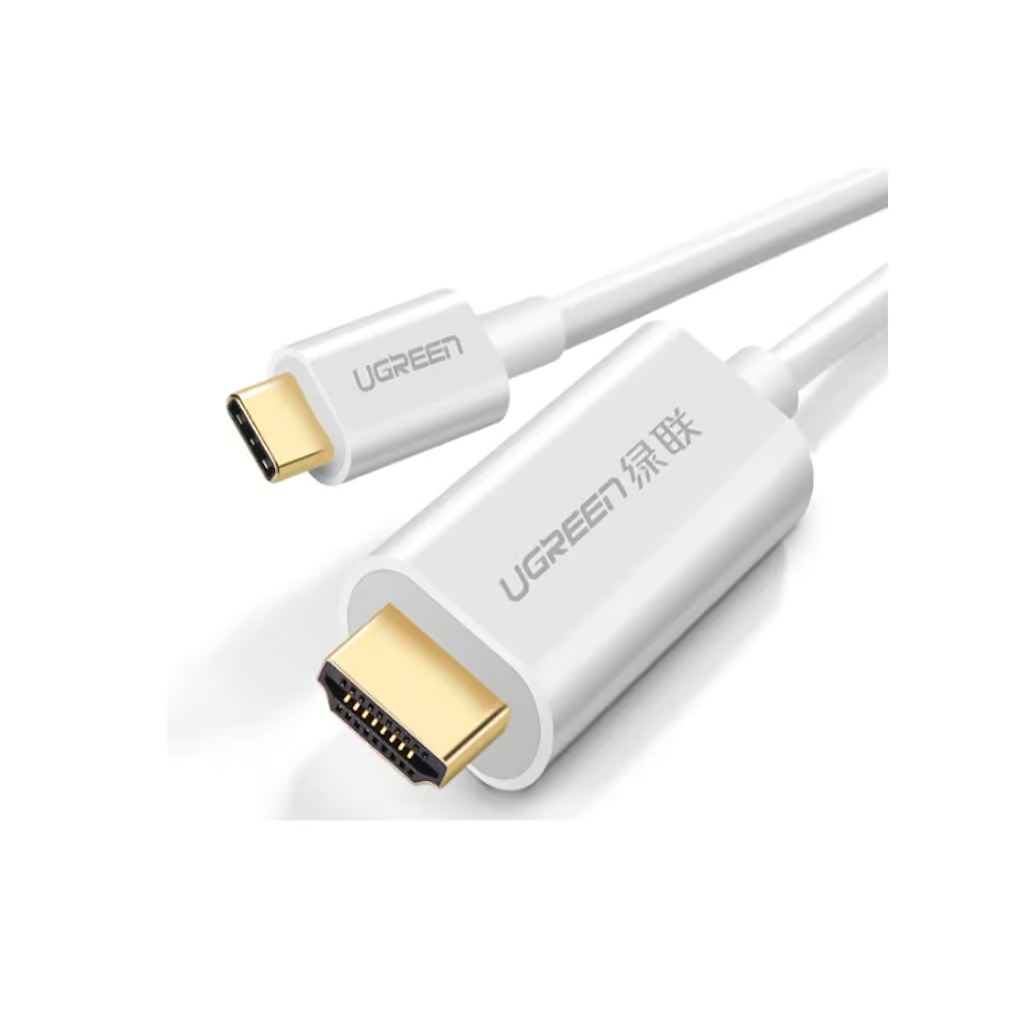
Many modern laptops, tablets, and phones have dropped full-size HDMI entirely in favor of USB-C. The UGREEN 30841 USB Type-C to HDMI Cable 1.5M (Rs. 7,370, down from Rs. 7,840) is designed to bridge that gap, connecting a USB-C device directly to an HDMI display with 4K@60Hz output. It’s a plug-and-play design, so there’s no separate adapter box or driver install needed, just plug one end into your laptop’s USB-C port and the other into your TV or monitor’s HDMI input.
If Your Laptop or Graphics Card Has DisplayPort
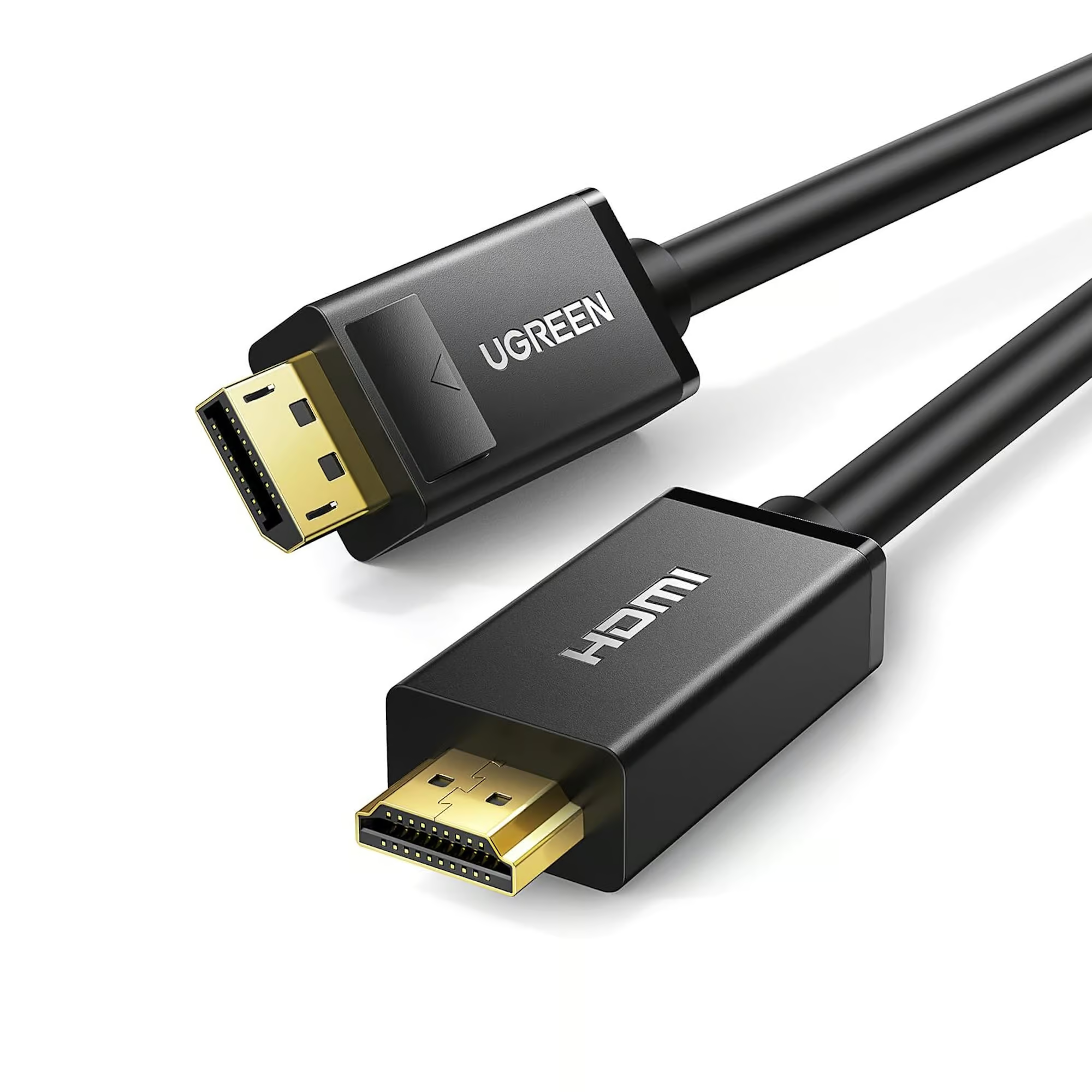
Desktop PCs and some laptops output video over DisplayPort instead. For these, a DisplayPort-to-HDMI cable does the job of converting that signal for an HDMI display. The UGREEN 10239 DisplayPort to HDMI Male to Male Cable 1.5M (Rs. 5,400) connects a DP source directly to an HDMI display for high-definition video and audio, while the shorter UGREEN 10238 4K UHD DP to HDMI Cable 1M (Rs. 4,843, down from Rs. 5,152) supports resolution up to 3840×2160 at 30Hz with gold-plated connectors for a stable connection over a shorter distance. Keep in mind that DisplayPort-to-HDMI cables like these are generally designed to send signal in one direction, from the DisplayPort source to the HDMI display, not the other way around.
Picking the Right One for Your Laptop
Check your laptop’s ports before ordering. If it has a USB-C port capable of video output, the UGREEN 30841 is the simpler option since it needs nothing beyond the cable itself. If your device only outputs over DisplayPort, go with the UGREEN 10239 or UGREEN 10238 depending on the distance you need to cover, and note that 10238 is rated for 30Hz refresh at 4K UHD, which is fine for presentations and general use but worth knowing if you were expecting a higher refresh rate.
Working From a Meeting Room or Home Office
These cables are especially handy for shared meeting rooms or home offices where the display is already fixed to the wall or a desk mount and different people bring in different laptops. Keeping a UGREEN 30841 USB Type-C to HDMI Cable 1.5M next to the TV or monitor means a USB-C laptop can be plugged in immediately without hunting for the right adapter, while a UGREEN 10239 or UGREEN 10238 covers a DisplayPort laptop the same way. Since both of the DisplayPort options here are sold at 1 to 1.5 meters, they’re best suited to a laptop sitting on a desk or table near the display rather than across a large room.
Frequently Asked Questions
Will the UGREEN 30841 work with any USB-C laptop?
It’s built for USB-C laptops, tablets, and smartphones that support video output over USB-C, delivering 4K@60Hz to an HDMI display. Since USB-C video output support varies by device, it’s worth confirming your specific laptop supports video over its USB-C port.
What’s the difference between the two DisplayPort to HDMI cables?
The UGREEN 10239 is a 1.5-meter cable for general high-definition video and audio, while the UGREEN 10238 is a shorter 1-meter cable specifically rated for 4K UHD resolution at 3840×2160 up to 30Hz with gold-plated connectors.
Can I use a DisplayPort to HDMI cable in reverse, from an HDMI source to a DisplayPort monitor?
These cables are designed to run from a DisplayPort source to an HDMI display, not the reverse direction, so check your source device’s output port before buying.
Which cable is best for connecting a laptop to a projector for a presentation?
For a USB-C laptop, the UGREEN 30841 (1.5M) is straightforward. For a laptop with DisplayPort output, the UGREEN 10239 (1.5M) gives you the same working distance for a presentation room setup.
Leave a Reply