It’s Often the Cable, Not the TV
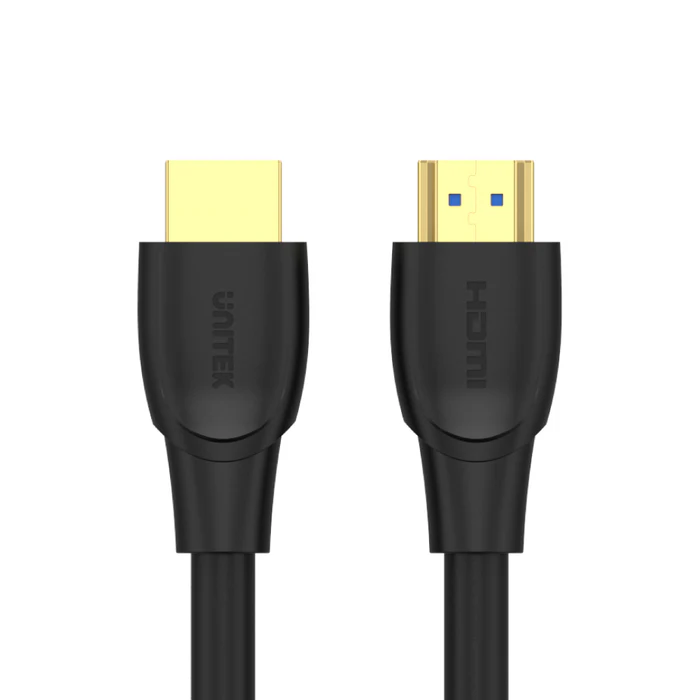
Before assuming your TV or source device has a fault, it’s worth ruling out the cable itself. Flickering, intermittent dropouts, or a complete loss of signal are common symptoms of a cable that’s underbuilt for the distance it’s covering, has worn connectors, or is simply the wrong specification for what you’re trying to do. A cable built with proper shielding and solid connectors, like the UNITEK C11041BK HDMI to HDMI Cable 5M 4K@60Hz (Rs. 5,824), which uses 28AWG conductors, gold-plated connectors, and a PVC jacket with reinforced shielding, is designed specifically to avoid these issues at a moderate 5-meter distance.
A Checklist Before You Buy a Replacement
- Measure the actual distance between source and display, and pick a cable rated for that length rather than reusing a cable that’s borderline too short for the run.
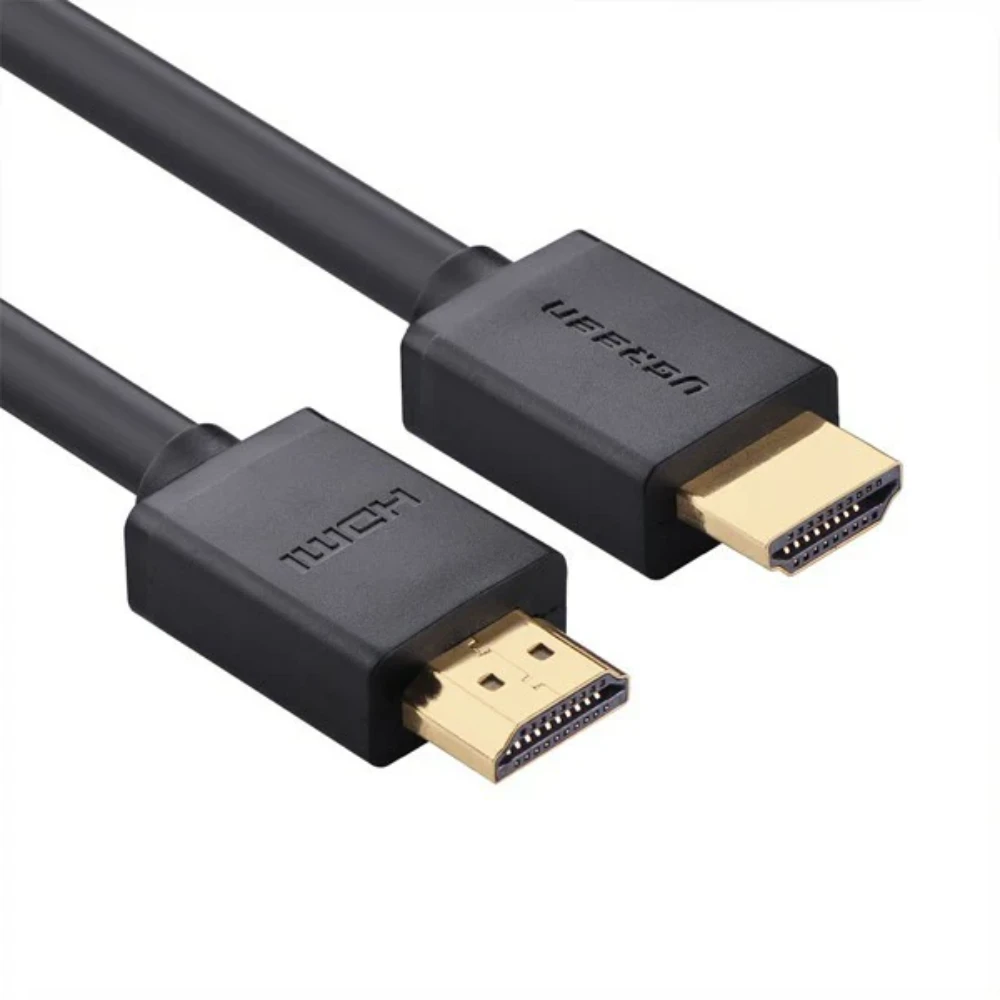
- Check for shielding. Cables like the UGREEN 10112 HDMI to HDMI Male Cable 20M (Rs. 17,000) use multi-layer shielding, and the UNITEK C11086GY01-5M uses triple shielding with copper conductors, both aimed at keeping the signal clean over distance.
- Look for gold-plated connectors. This detail appears across several cables in this range, including the UNITEK C11041BK and the UNITEK C11086GY01-3M, and it helps maintain a stable connection point where corrosion or wear would otherwise cause intermittent contact.
- If your run is longer than about 15 to 20 meters, consider a fiber optic cable instead of copper. The UNITEK C11072BK-20M HDMI to HDMI Fiber Optic Cable (Rs. 18,424) is EMI/RFI immune, which rules out interference as a source of flickering over long distances.
When It’s Not the Cable
If you’ve already ruled out length, shielding, and connector quality, and the problem persists across more than one cable, the issue is more likely on the source or display side, such as an HDMI port setting, resolution mismatch, or firmware issue. But given how often the cable itself is the actual culprit, it’s a cheap and quick thing to test first.
Frequently Asked Questions
Why would a cable cause flickering if it worked fine before?
Connectors can wear down with repeated plugging and unplugging, and if the cable was already at the edge of its rated distance or bandwidth, small amounts of degradation over time can push it into unreliable territory.
Does gold plating on connectors actually matter?
Gold-plated connectors, used on cables like the UNITEK C11041BK and UNITEK C11086GY01-3M, resist corrosion better than uncoated contacts, which helps maintain a stable connection over the life of the cable.
Is a longer cable more likely to cause signal problems?
Longer copper runs are more demanding on a cable’s construction, which is why long cables like the UGREEN 10112 (20M) rely on multi-layer shielding. If you’re seeing issues on a long run, a fiber optic option like the UNITEK C11072BK-20M is worth considering.
Should I replace the cable or the device first?
Start with the cable, since it’s the cheaper and faster thing to rule out. A properly shielded, gold-plated cable like the UNITEK C11041BK (Rs. 5,824) is a reasonable, affordable first replacement to test before assuming the TV or source device is at fault.
Leave a Reply