The Problem With Straight Connectors on Mounted TVs
Wall-mounted TVs are often pushed close to the wall to keep a clean, minimal look, but that leaves very little room for a standard straight HDMI plug, which sticks out several centimeters from the port. In tight cases, the plug can be bent at an awkward angle against the wall, putting stress on both the cable and the port over time.
A Connector Built for the Job
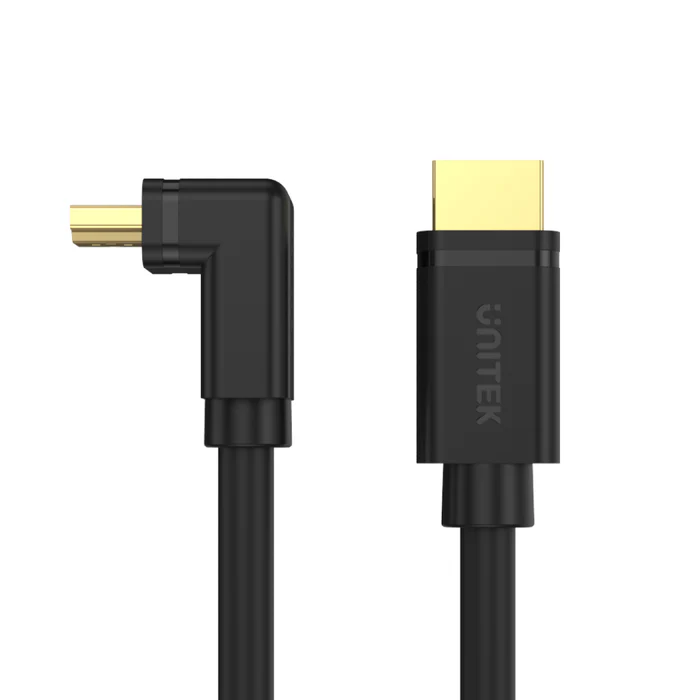
The UNITEK Y-C1002 HDMI to HDMI Right Angle 90° Cable 3M (Rs. 3,761, down from Rs. 4,256) solves this directly with a 90-degree connector design, so the cable runs flat along the wall instead of sticking straight out. It still supports 4K Ultra HD at 60Hz and uses gold-plated connectors, so you’re not giving up performance for the space-saving shape, just a friendlier physical fit for a mounted TV or a cabinet with limited depth.
Managing Cable Routing in Cabinets and Trunking
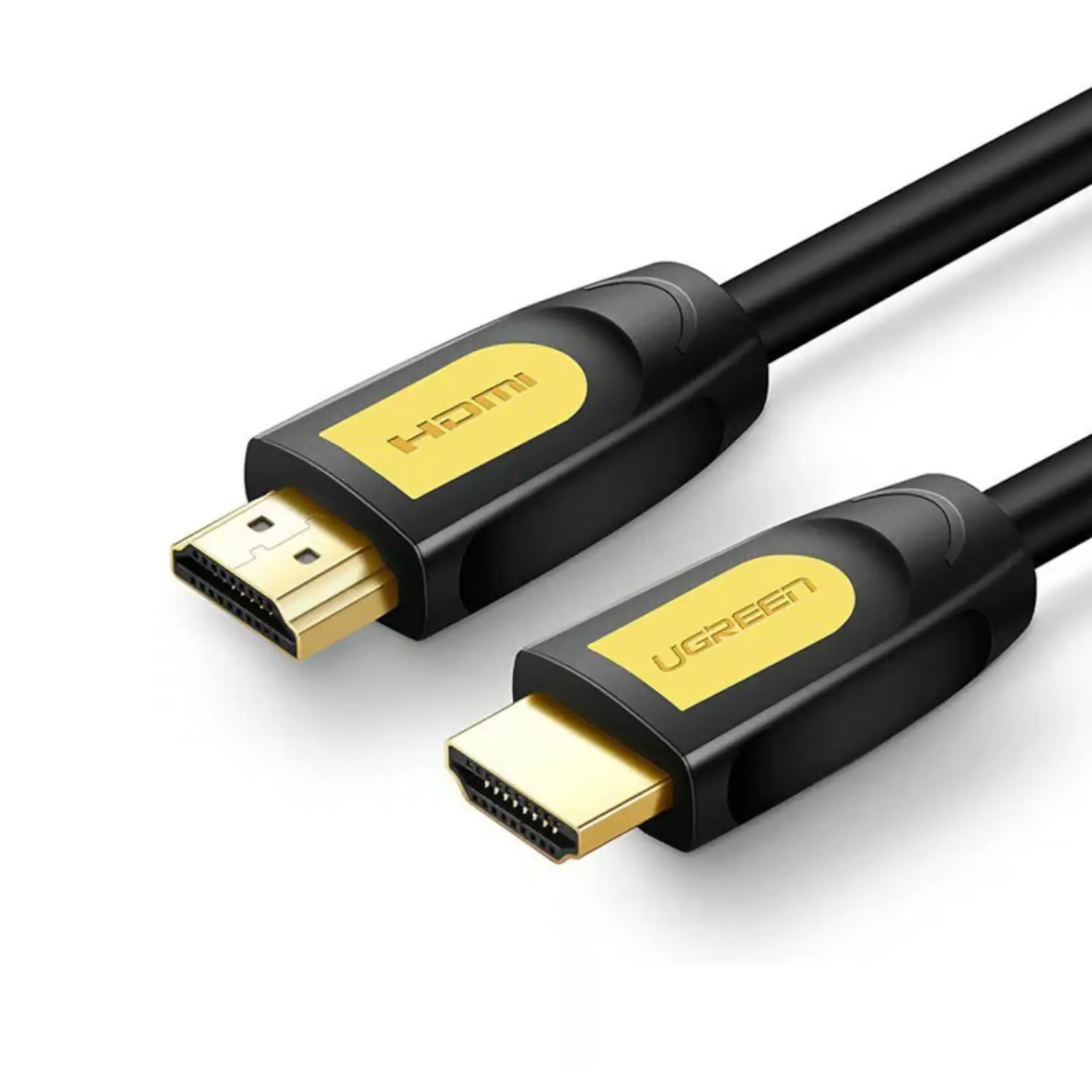
Beyond the connector shape, the cable’s jacket design also affects how easily it routes through tight spaces like wall trunking or a crowded AV cabinet. Round-jacketed cables such as the UGREEN 10130 HDMI Round Cable 3M in yellow/black (Rs. 4,245) are built with a round cable structure that tends to route more predictably through conduit than flat cables, and the bright yellow/black finish makes it easy to pick out of a bundle of similar-looking cables behind an entertainment unit. For longer wall runs, the same round design is available at 15 meters with the UGREEN 11106 (Rs. 14,560).
Putting It Together
For a wall-mounted TV where space right at the port is the main issue, the UNITEK Y-C1002’s right-angle connector is the most direct fix. If your challenge is more about neatly routing a cable through trunking or a crowded cabinet rather than the connector shape itself, a round cable like the UGREEN 10130 or UGREEN 11106 is worth considering alongside it. In many installations, both problems show up together, a mounted TV with cable trunking running down to a media console, in which case pairing a right-angle connector at the TV end with a round cable for the rest of the run covers both issues at once.
It’s also worth checking the depth of your wall mount before ordering. Some ultra-slim or flush mounts leave only a centimeter or two of clearance behind the TV, and in those cases a right-angle cable like the UNITEK Y-C1002 isn’t just a convenience, it can be the only practical way to make the connection at all without a spacer or a different mount.
Frequently Asked Questions
Does a right-angle HDMI cable perform any differently from a straight one?
The UNITEK Y-C1002 still supports 4K Ultra HD at 60Hz with gold-plated connectors, just like many straight cables in this category. The 90-degree design is about physical fit, not a change in signal capability.
What length does the right-angle HDMI cable come in?
The UNITEK Y-C1002 is available at 3 meters, which suits most setups where a mounted TV sits a short to medium distance from a media console or wall outlet.
Why choose a round HDMI cable over a flat one for wall routing?
A round cable structure, like the one used in the UGREEN 10130 and UGREEN 11106, tends to sit more predictably inside trunking or conduit, and the yellow/black finish makes the cable easy to identify.
Can I use a right-angle cable for a normal, non-wall-mounted TV setup?
Yes, the UNITEK Y-C1002 works like any other 4K@60Hz HDMI cable, so it’s fine to use even if space isn’t tight, some people simply prefer the lower profile it gives behind the TV.
Leave a Reply