Same Idea, Different Scale
Every NAS does the same basic job: it stores files centrally and makes them available across a network. What changes between a home setup and a small business setup is the load you’re putting on it — how many people connect at once, how much you’re storing, and how fast you need transfers to be.
For Home Use: Keep It Simple
If you’re mainly backing up family photos, streaming a media library to the living room TV, or keeping a spare copy of important documents, you don’t need enterprise-grade hardware. The UGREEN NASync DH2300 (Rs. 99,394) covers this well, with two drive bays supporting up to 60TB total and compatibility across Windows, macOS, Android, and iOS so every phone and laptop in the house can connect.
For Small Business: Plan for More People and More Bays
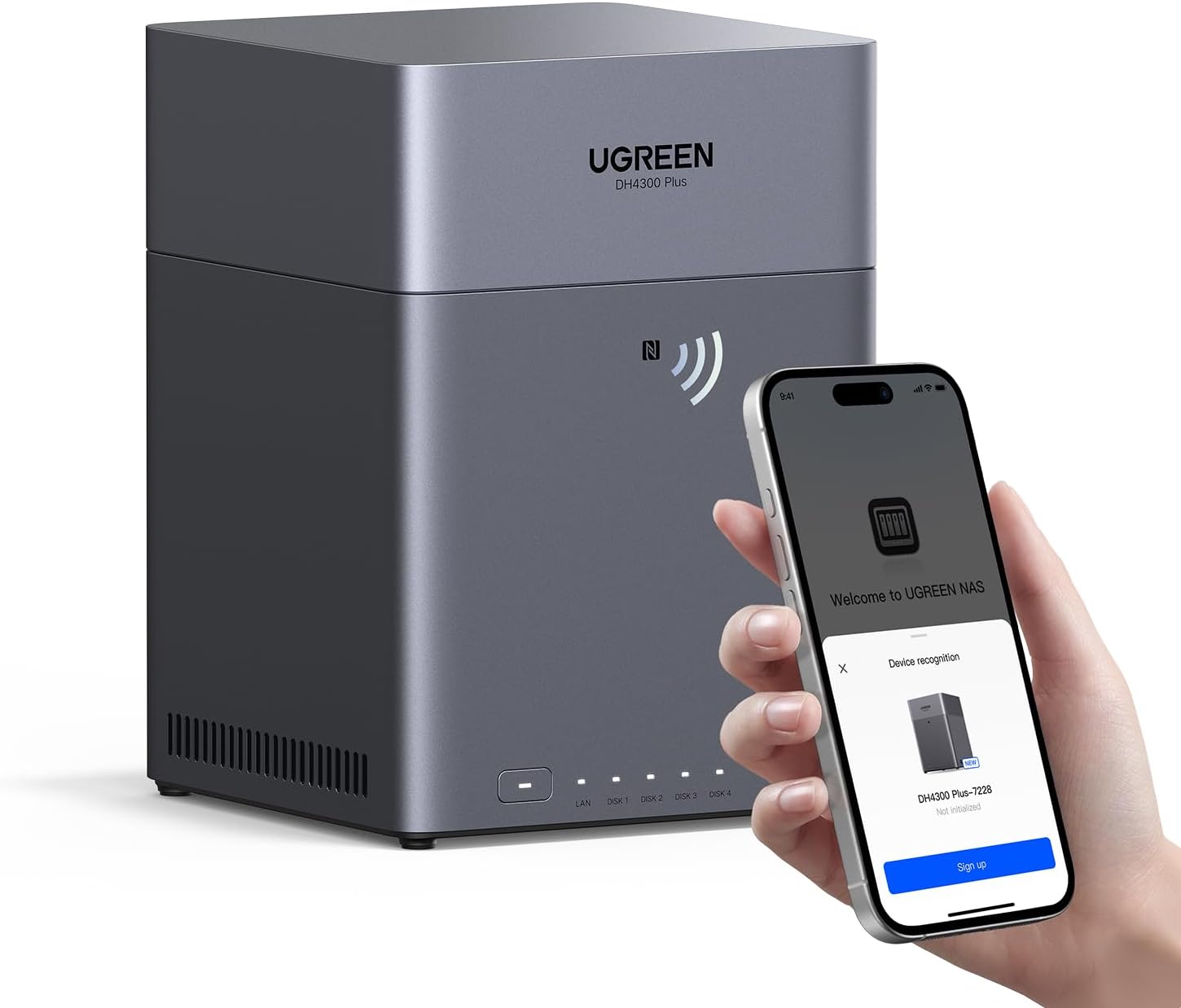
Small offices tend to outgrow a basic 2-bay unit quickly once several employees are saving to the same drive. The UGREEN NASync DH4300 Plus (Rs. 145,286) is built with exactly this in mind — a beginner-friendly 4-bay desktop NAS supporting up to 120TB of total capacity (4 x 30TB drives, sold separately), 8GB of LPDDR4X RAM for smoother multitasking with several users connected, and a 2.5GbE port for faster network transfers than standard gigabit Ethernet.
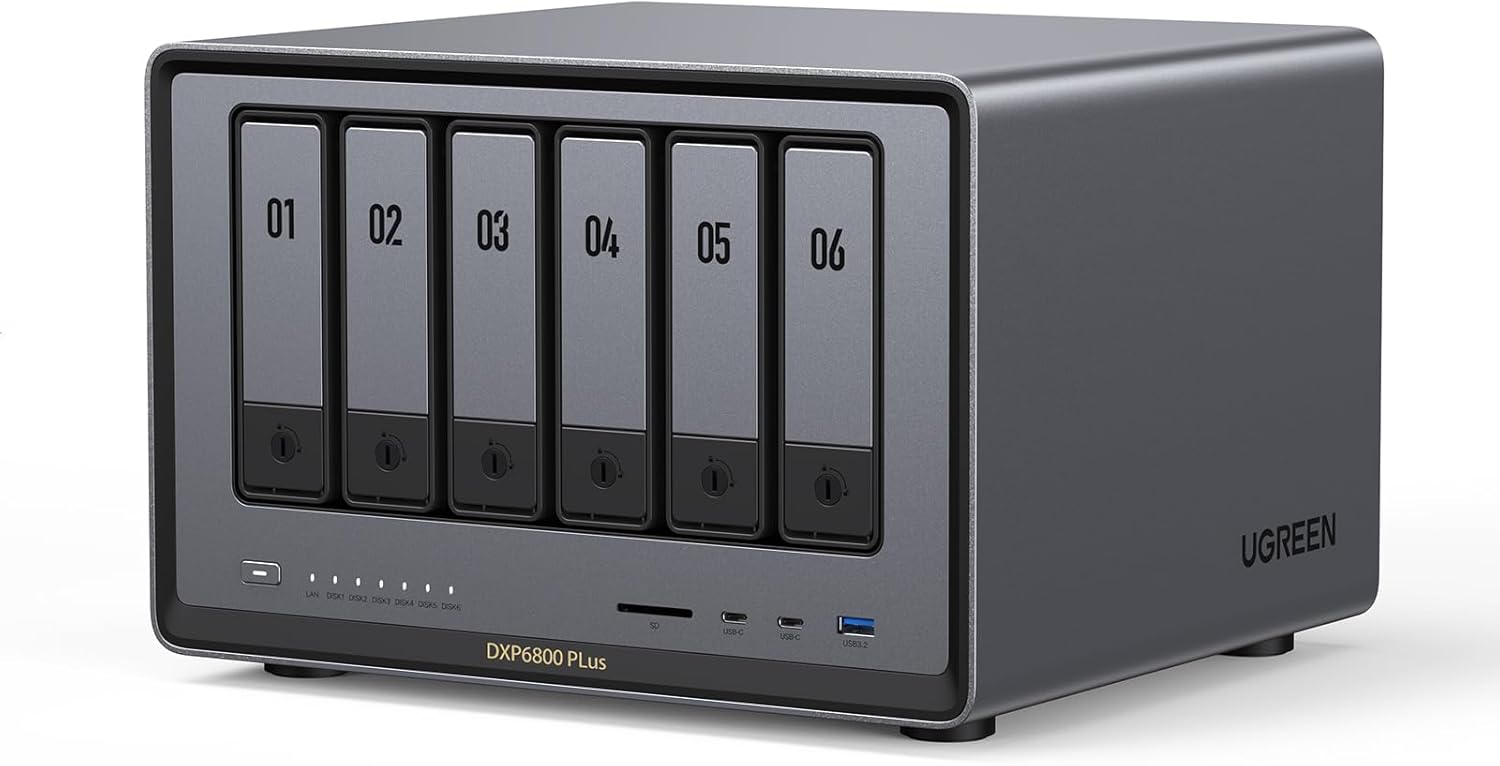
If your business is growing fast, generating large files, or running more demanding workloads like video editing or database work, it’s worth looking further up the range at something like the UGREEN NASync DXP6800 Pro (Rs. 400,590), a 6-bay unit (expandable to 8) built around an Intel Core i5 12th Gen processor with dual 10GbE networking and Thunderbolt 4 ports for serious throughput.
How to Decide
A useful rule of thumb: count how many people or devices will realistically be pulling files from the NAS at the same time, and how large those files typically are. A household streaming video and backing up phones rarely needs more than a well-specced 2-bay unit. An office with several staff members saving large project files, or a business planning to add more storage down the line, benefits from starting with a 4-bay model that has room to grow, or moving straight to a higher-performance unit built for that kind of load.
Frequently Asked Questions
Is the DH4300 Plus suitable for someone with no NAS experience?
Yes. UGREEN specifically positions the NASync DH4300 Plus as a beginner-friendly and versatile NAS, designed to work well for both personal and small business use straight out of the box.
How much storage can the DH4300 Plus hold?
The DH4300 Plus supports up to 120TB of total capacity using four 30TB drives, though it ships diskless, meaning drives are purchased and installed separately based on your needs.
When does it make sense to go beyond a 4-bay NAS for a business?
Once a small business needs faster network speeds, more simultaneous users, or significantly more raw capacity than a 4-bay unit can practically hold, a higher-tier option like the 6-bay UGREEN NASync DXP6800 Pro, with dual 10GbE ports and Thunderbolt 4, becomes worth the higher price of Rs. 400,590.
What’s the practical difference between the DH2300 and DH4300 Plus?
The DH2300 (Rs. 99,394) is a 2-bay unit best suited to home use, while the DH4300 Plus (Rs. 145,286) doubles the bay count to four, supports significantly more total capacity, and adds a 2.5GbE network port, making it a better fit for small offices with more users.
Leave a Reply