Why This Matters More at Home
A NAS is meant to run continuously, which is very different from a laptop you shut at the end of the day. If it’s going to live in a living room, bedroom, or home office, how much heat and noise it generates while idling in the background becomes a real, everyday consideration, not just a spec sheet detail.
Processor Choice Affects More Than Speed
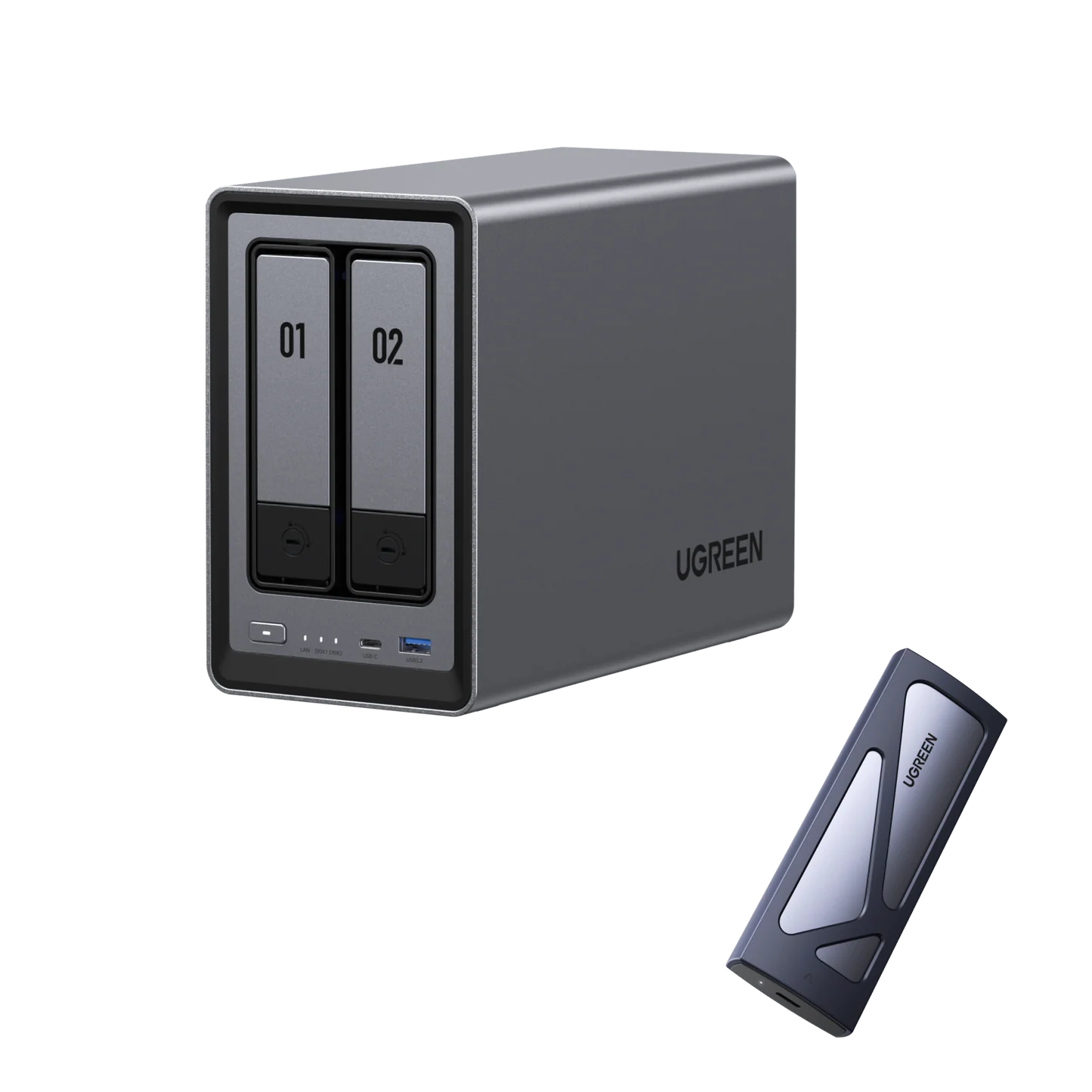
Generally speaking, NAS units built around lighter, more efficient processors tend to run cooler and require less aggressive active cooling than units built around higher-performance desktop-class chips, simply because they generate less heat to begin with. The UGREEN NASync DXP2800 (Rs. 154,762), for example, uses an Intel N100 quad-core processor, a chip designed around efficiency, paired with 8GB of DDR5 RAM expandable to 16GB.
More Performance Usually Means More Cooling Demand
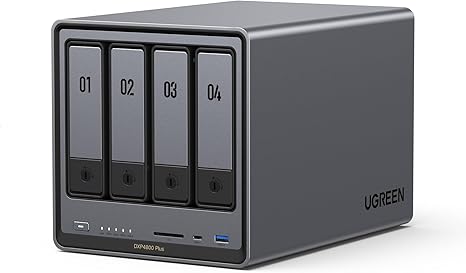
Higher-tier units are built for a different priority: raw performance for demanding, multi-user workloads. The UGREEN NASync DXP4800 Plus (Rs. 300,048) runs an Intel X86 5-Core 12th Gen processor with 8GB of DDR5 RAM expandable up to 64GB, across 4 bays expandable to 6, with a 10GbE network port and Thunderbolt 4 connectivity for serious throughput. That extra processing power and networking capability is genuinely useful for a busy office, but it’s worth recognizing that more powerful hardware and more populated drive bays generally run warmer than a smaller, lighter-duty unit, since every additional spinning drive adds its own heat and vibration to the enclosure.
Matching the Unit to the Room
If a NAS is going to sit somewhere you spend a lot of time, like a bedroom or living room, it’s worth leaning toward a smaller, lighter-duty unit with fewer drives spinning at once, rather than maxing out every bay on a high-performance model. If the NAS can live in a separate room, closet, or office space instead, the extra performance of a larger unit becomes far less of a day-to-day concern.
Power Draw Adds Up Too
Since a NAS is designed to run continuously, its power draw matters over the long run in a way that an occasionally-used device’s doesn’t. Lighter, more efficient processors like the N100 in the DXP2800 are generally built with lower continuous power draw in mind compared to higher-performance desktop-class processors running across more drive bays.
Frequently Asked Questions
Does a NAS need to run all the time?
Most NAS setups are designed to run continuously so that files are always available on the network and backups happen automatically, rather than being switched on and off like a regular computer.
Is the DXP2800 a good choice for a quieter, lower-power home setup?
Its Intel N100 quad-core processor is designed for efficiency rather than maximum performance, which generally makes lighter units like this a reasonable choice for spaces where lower power draw and less heat matter more than raw speed.
Why would someone choose a more powerful unit like the DXP4800 Plus if it runs warmer?
The DXP4800 Plus offers significantly more processing power, memory headroom up to 64GB, and 10GbE networking, which matters for busy offices or demanding workloads where performance is worth more than minimizing heat and power draw.
Does the number of drives installed affect how much heat a NAS generates?
Generally yes — each additional spinning hard drive adds its own heat output, so a fully populated multi-bay NAS will typically run warmer than the same unit with only one or two bays filled.
Leave a Reply