What RAID Is Actually For
RAID stands for a way of arranging multiple hard drives inside a NAS so that your data is protected, faster to access, or both, depending on which RAID mode you choose. It’s not a backup in the traditional sense of a separate copy stored elsewhere, but it does protect against the most common cause of data loss: a single hard drive failing.
The RAID Modes You’ll Actually See
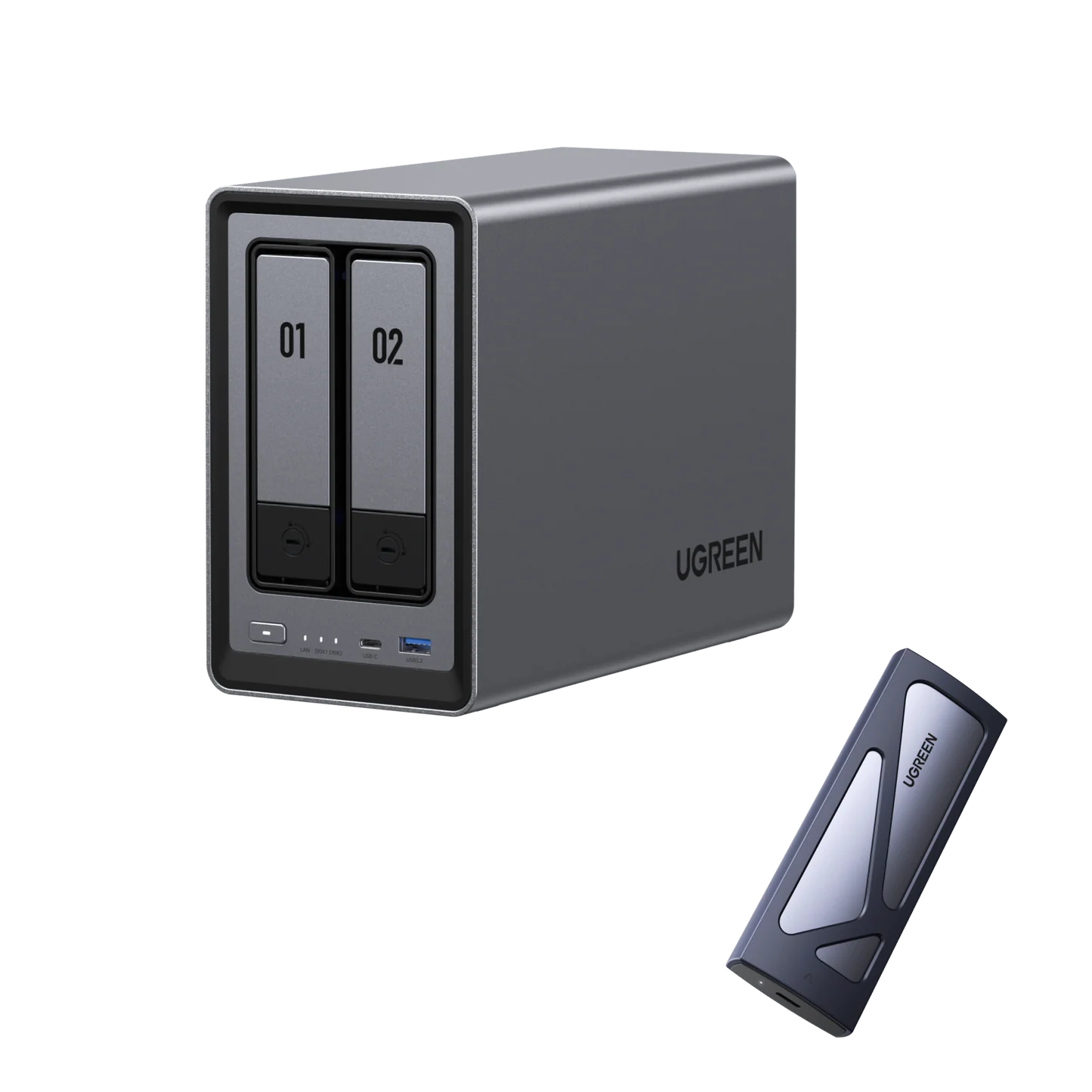
The UGREEN NASync DXP2800 (Rs. 154,762) lists support for JBOD, Basic, RAID 0, and RAID 1 across its bays. In simple terms: JBOD and Basic simply combine or use drives individually with no redundancy, RAID 0 spreads data across drives for speed but offers no protection if a drive fails, and RAID 1 mirrors the same data across two drives, so if one fails, your files are still intact on the other. For most home and small office users protecting irreplaceable files like photos or business documents, RAID 1 is the mode worth understanding first.
Why the Drives Themselves Matter
RAID only works reliably if the hard drives inside the NAS are built to run continuously and handle the specific demands of a RAID array. This is where a drive like the WD Red Plus 8TB 3.5″ NAS Hard Drive (Rs. 85,540) comes in. It’s a 3.5-inch SATA drive spinning at 5640 RPM, specifically designed for RAID-optimized NAS systems with up to 8 bays, and built for 24/7 operation rather than the occasional use a typical desktop drive is designed around.
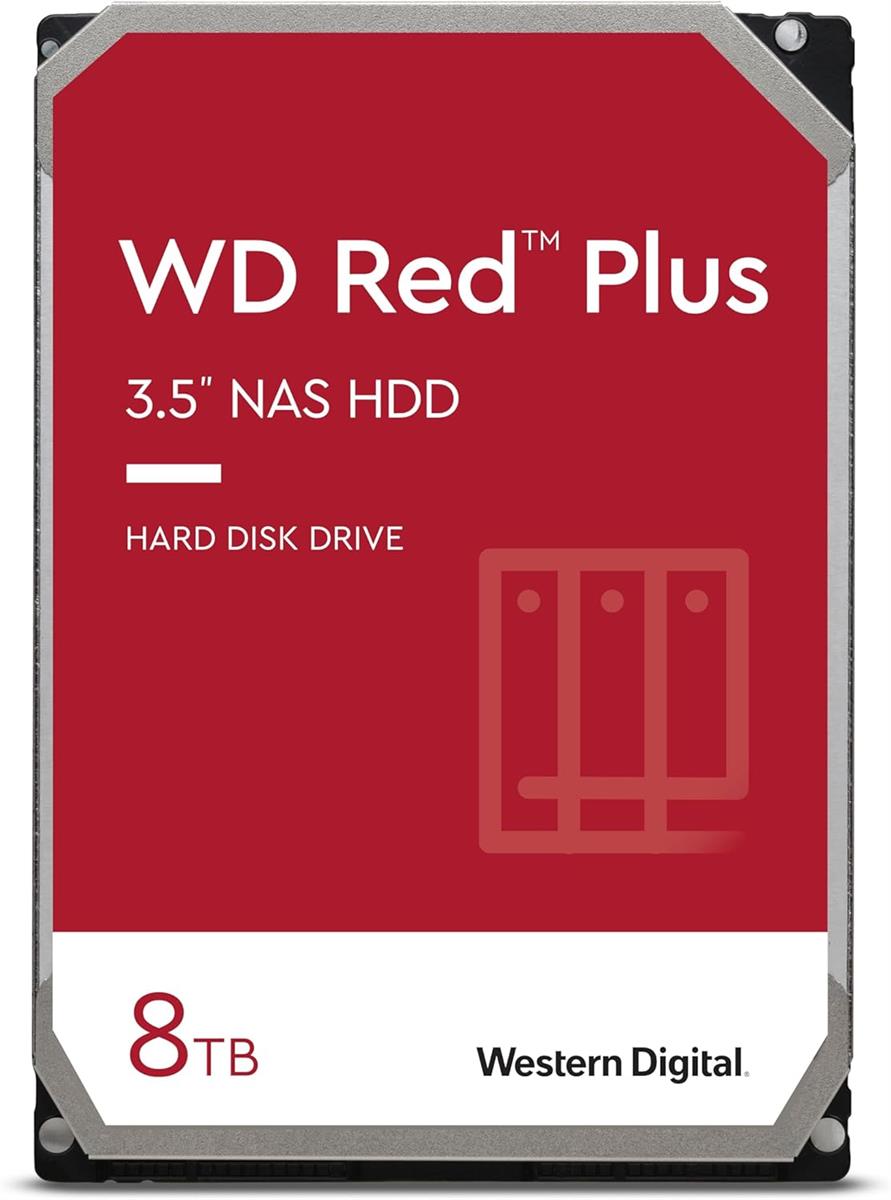
Using consumer-grade drives not designed for constant operation or multi-drive vibration inside a RAID array is one of the more common mistakes people make when setting up a NAS. Drives like the WD Red Plus range exist specifically to avoid that problem.
Bigger Arrays, Bigger Bay Counts
The more bays a NAS has, the more RAID options become available, since some configurations need a minimum number of drives to work at all. That’s part of why higher-bay units like UGREEN’s 6 and 8-bay NASync models exist alongside simpler 2-bay units — more bays mean more flexibility in balancing speed, capacity, and protection.
Frequently Asked Questions
Does RAID replace the need for a separate backup?
Not entirely. RAID, particularly RAID 1, protects against a single drive failing, but it doesn’t protect against theft, fire, accidental deletion, or a fault affecting the whole NAS, so a separate backup copy is still worth having for critical files.
What RAID levels does the UGREEN NASync DXP2800 support?
The DXP2800 supports JBOD, Basic, RAID 0, and RAID 1 configurations across its SATA bays.
Why is the WD Red Plus 8TB specifically recommended for RAID setups?
It’s designed for RAID-optimized NAS systems with up to 8 bays and built for continuous 24/7 operation, which matters because RAID arrays run constantly and put more sustained load on drives than typical desktop use.
What’s the difference between RAID 0 and RAID 1?
RAID 0 spreads data across multiple drives to improve speed but offers no protection if a drive fails, while RAID 1 mirrors data across drives so your files remain safe even if one drive stops working.
Leave a Reply