Step One: Choosing Compatible Drives
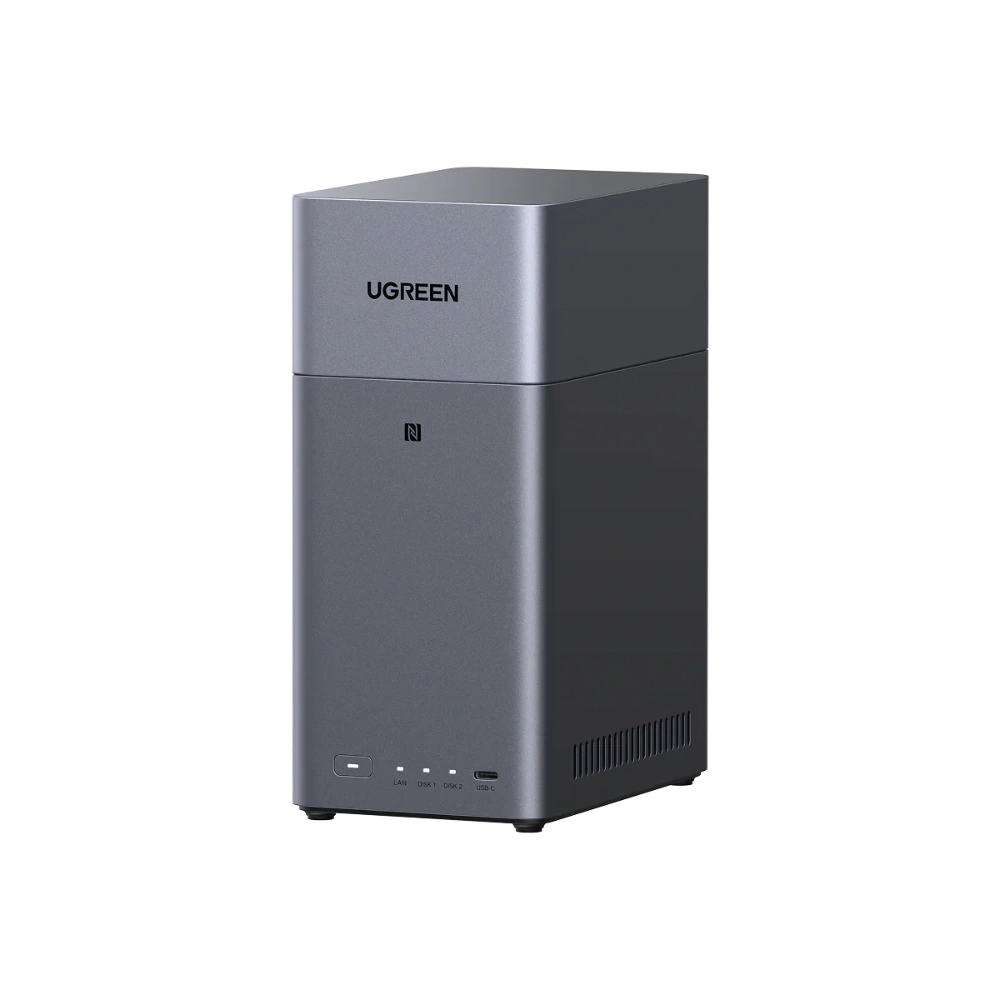
Most UGREEN NASync units, including the 2-bay UGREEN NASync DH2300 (Rs. 99,394), ship diskless, meaning the enclosure, processor, and networking are included, but you supply the hard drives. This is actually a good thing for a first-time buyer, because it means you only pay for the capacity you actually need right now, and can add more later.
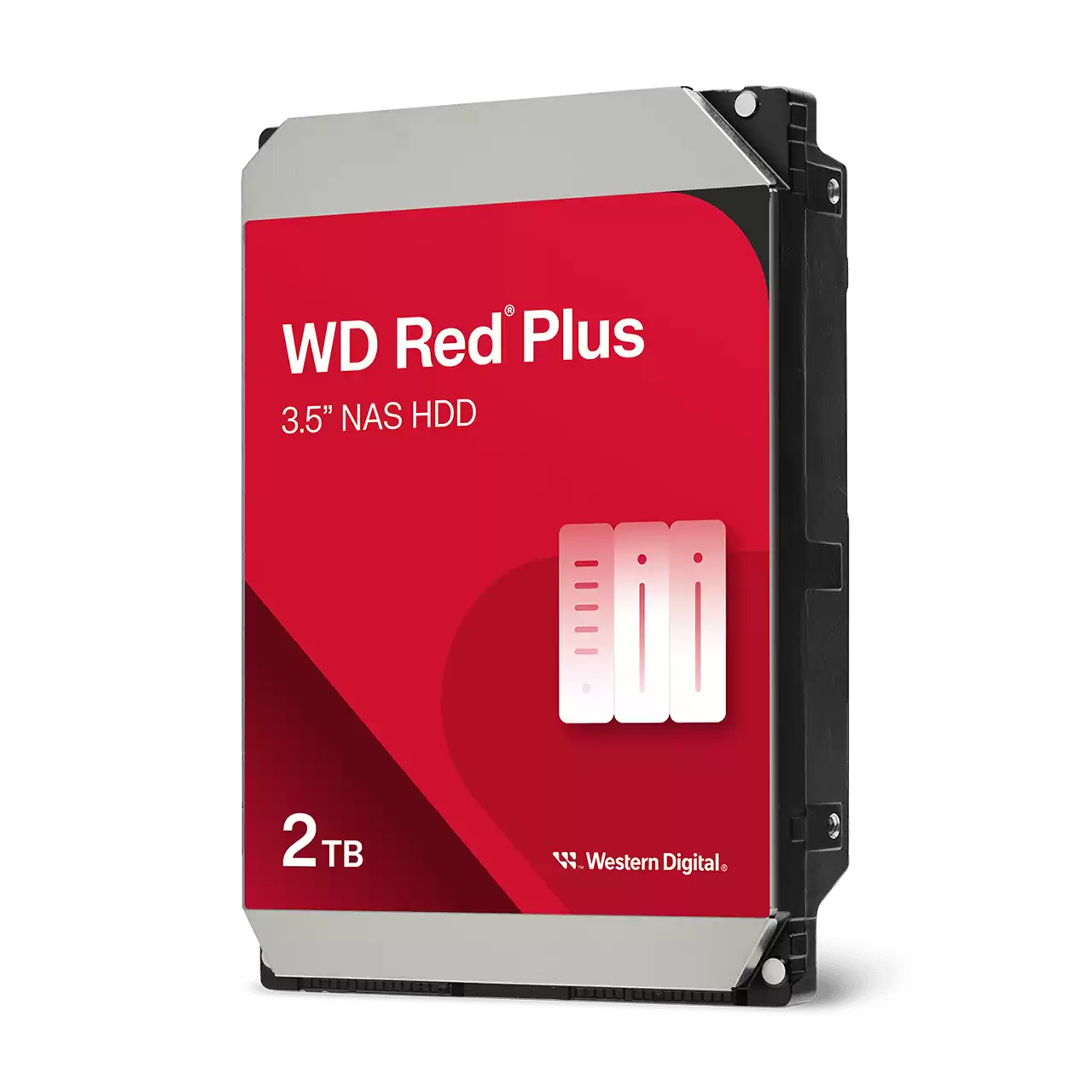
For the drives themselves, it’s worth using ones purpose-built for NAS use rather than a spare desktop drive lying around. The WD Red Plus Internal NAS HDD (from Rs. 45,000) is designed specifically for small-to-medium business and home NAS environments, and comes in a range of capacities from 2TB up to 12TB, across models like the WD20EFPX, WD40EFPX, WD80EFPX, and WD120EFGX, so you can match the drive size to your bay count and budget.
Step Two: Physical Installation
Once you have your drives, installation on most NAS units is tool-light: drives slide into the bays from the front or side of the enclosure, depending on the model, and are secured before the unit is powered on. This is also the point where you decide how many drives to install upfront versus leaving bays empty for future expansion, particularly relevant on expandable units.
Step Three: Initial Configuration
After powering on, the NAS is set up through an app or browser-based interface on your computer or phone. This is where you’ll format the drives, choose a RAID mode if you’re using more than one drive, and set up user accounts. The UGREEN NASync DH2300 supports Windows, macOS, Android, and iOS, so setup and ongoing access work regardless of what device you’re on.
Step Four: Everyday Access
Once configured, the NAS should quietly sit on your network doing its job. Devices connect to it the same way they’d connect to any shared drive, and if you’ve set up remote access, you can reach your files from outside the house or office too. Most of the ongoing “maintenance” is really just occasionally checking drive health and making sure backups are actually running as expected.
Frequently Asked Questions
Do UGREEN NAS units come with hard drives included?
No, units like the DH2300 are sold diskless, meaning you choose and install your own hard drives, such as the WD Red Plus Internal NAS HDD range, based on the capacity you need.
What capacities does the WD Red Plus Internal NAS HDD come in?
It’s available across a wide range, including 2TB, 3TB, 4TB, 6TB, 8TB, 10TB, and 12TB models, covering options like the WD20EFPX, WD40EFPX, WD80EFPX, and WD120EFGX.
What operating systems can I use to set up and access a NAS like the DH2300?
The DH2300 supports Windows, macOS, Android, and iOS, so setup and day-to-day access work whether you’re on a desktop computer or a phone.
Do I need to decide on a RAID mode before installing drives?
It helps to plan ahead, since RAID mode affects how drives are formatted, but the actual RAID configuration is typically chosen during the initial software setup after the drives are physically installed.
Leave a Reply