Blog

  • HDMI Flickering or No Signal? A Buyer’s Checklist Before You Blame the TV

    HDMI Flickering or No Signal? A Buyer’s Checklist Before You Blame the TV

    It’s Often the Cable, Not the TV

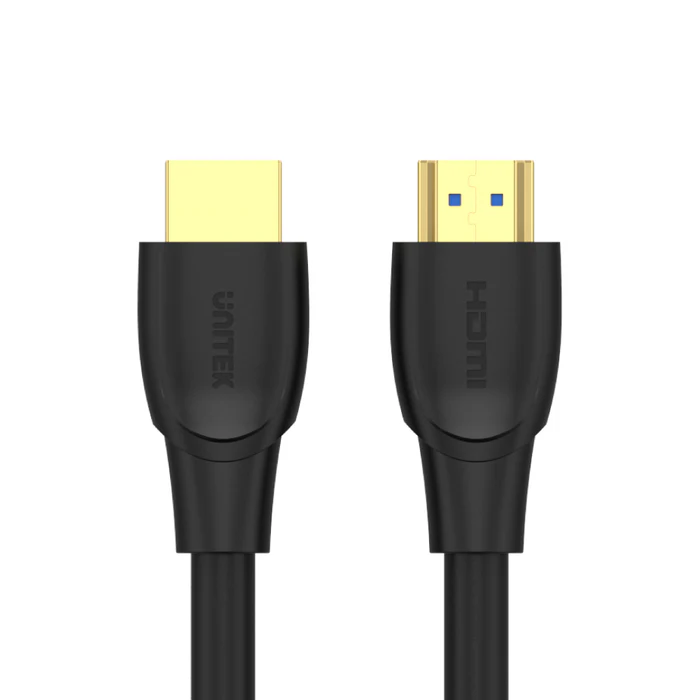
    Before assuming your TV or source device has a fault, it’s worth ruling out the cable itself. Flickering, intermittent dropouts, or a complete loss of signal are common symptoms of a cable that’s underbuilt for the distance it’s covering, has worn connectors, or is simply the wrong specification for what you’re trying to do. A cable built with proper shielding and solid connectors, like the UNITEK C11041BK HDMI to HDMI Cable 5M 4K@60Hz (Rs. 5,824), which uses 28AWG conductors, gold-plated connectors, and a PVC jacket with reinforced shielding, is designed specifically to avoid these issues at a moderate 5-meter distance.
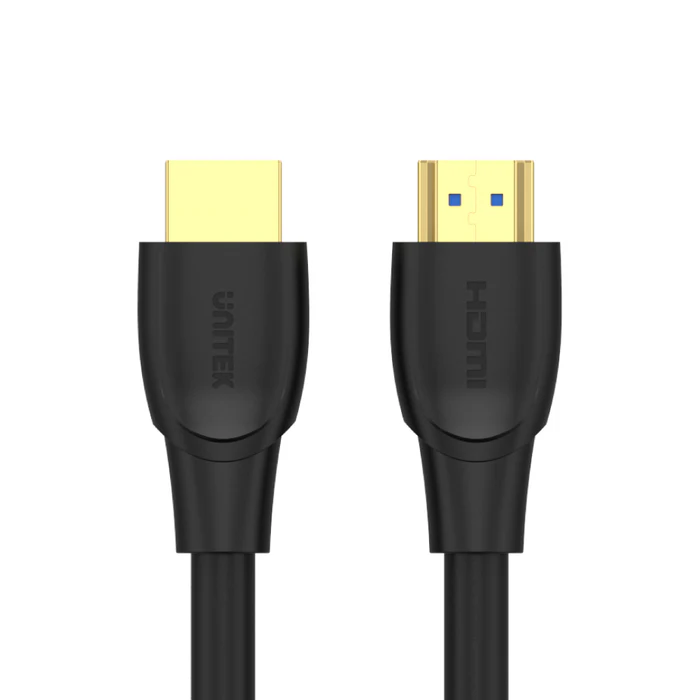
    UNITEK C11041BK HDMI TO HDMI CABLE 5M 4K@60HZ 28AWG CONDUCTORS

    A Checklist Before You Buy a Replacement

    1. Measure the actual distance between source and display, and pick a cable rated for that length rather than reusing a cable that’s borderline too short for the run.
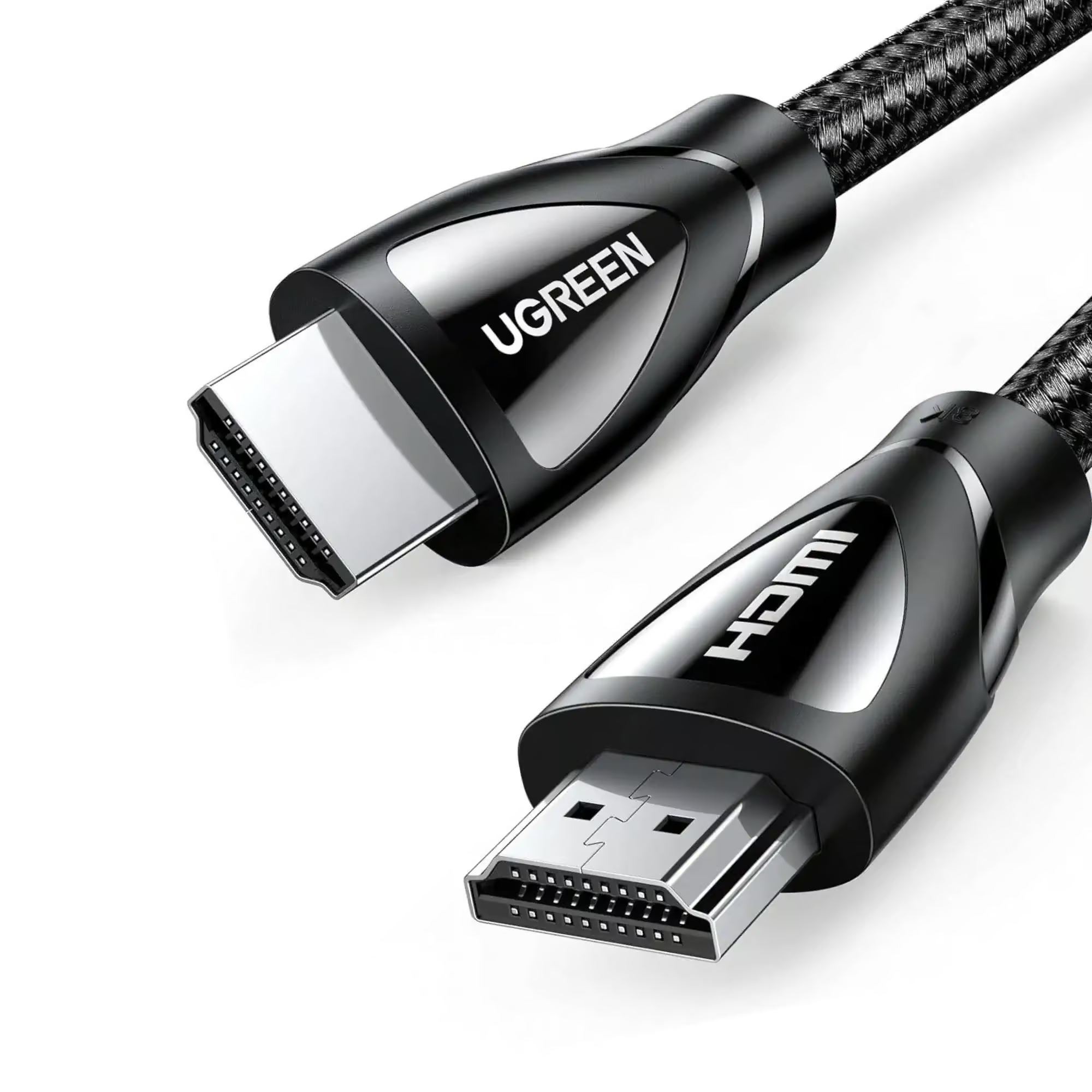
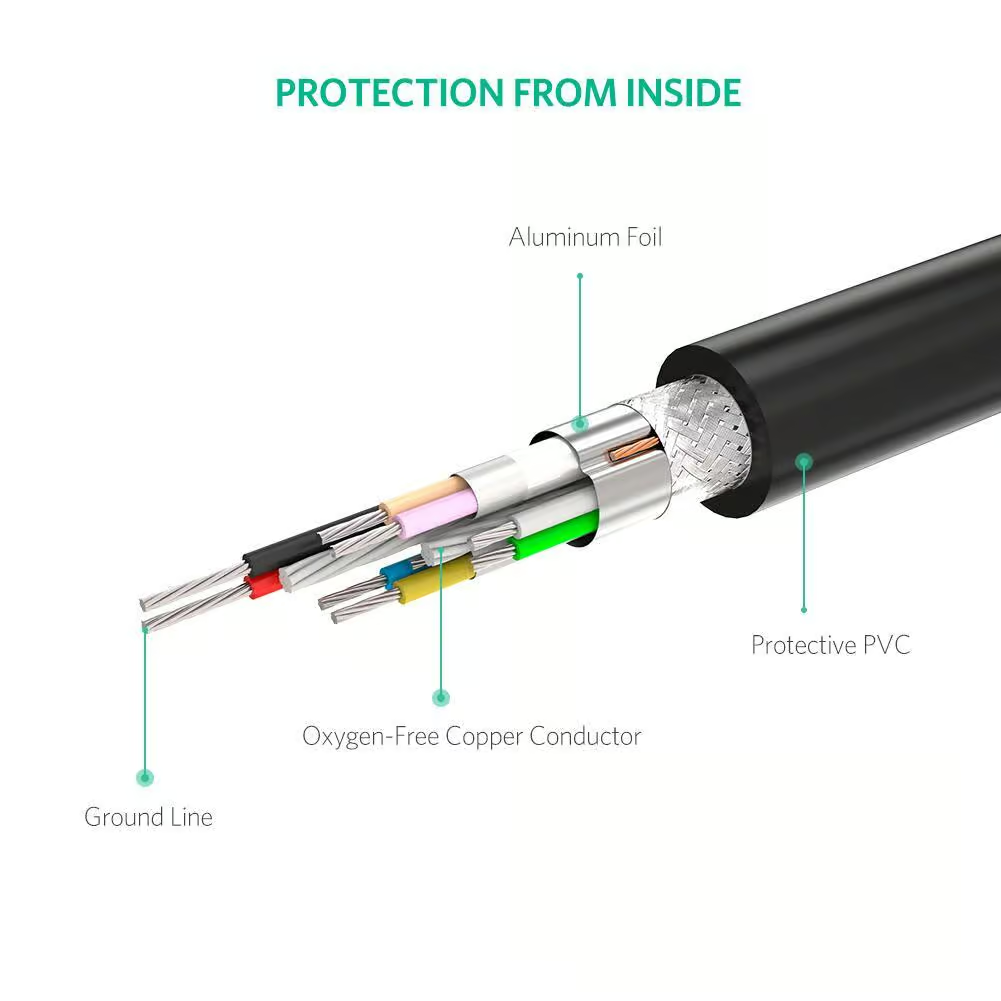
    2. Check for shielding. Cables like the UGREEN 10112 HDMI to HDMI Male Cable 20M (Rs. 17,000) use multi-layer shielding, and the UNITEK C11086GY01-5M uses triple shielding with copper conductors, both aimed at keeping the signal clean over distance.
    3. Look for gold-plated connectors. This detail appears across several cables in this range, including the UNITEK C11041BK and the UNITEK C11086GY01-3M, and it helps maintain a stable connection point where corrosion or wear would otherwise cause intermittent contact.
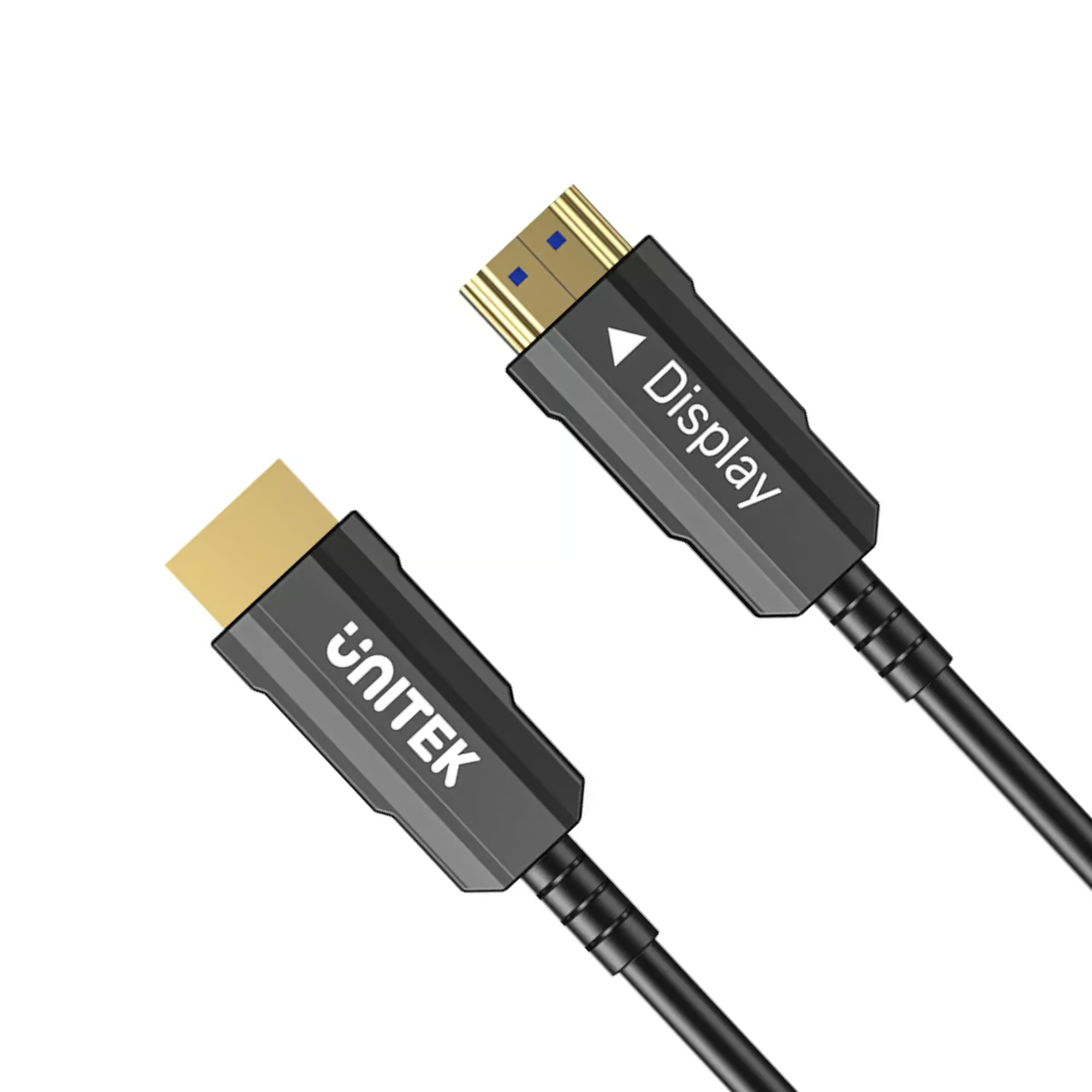
    4. If your run is longer than about 15 to 20 meters, consider a fiber optic cable instead of copper. The UNITEK C11072BK-20M HDMI to HDMI Fiber Optic Cable (Rs. 18,424) is EMI/RFI immune, which rules out interference as a source of flickering over long distances.
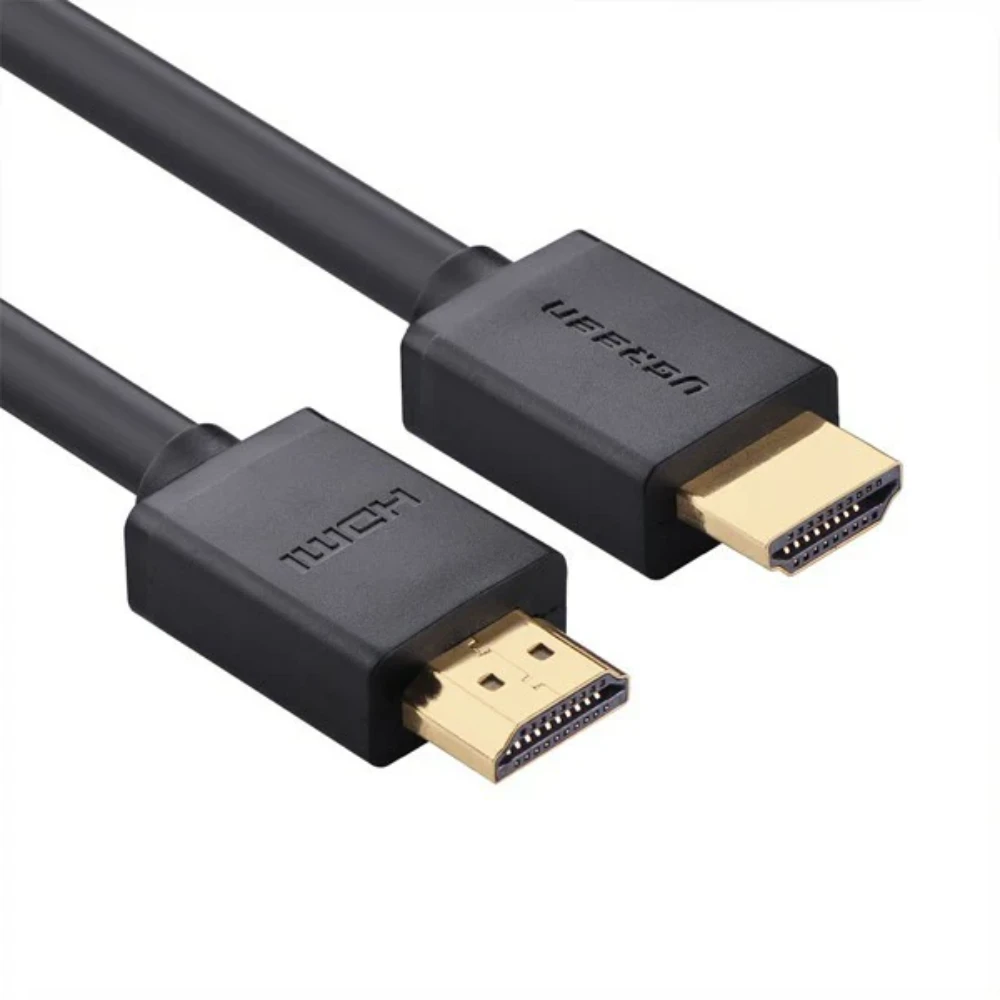
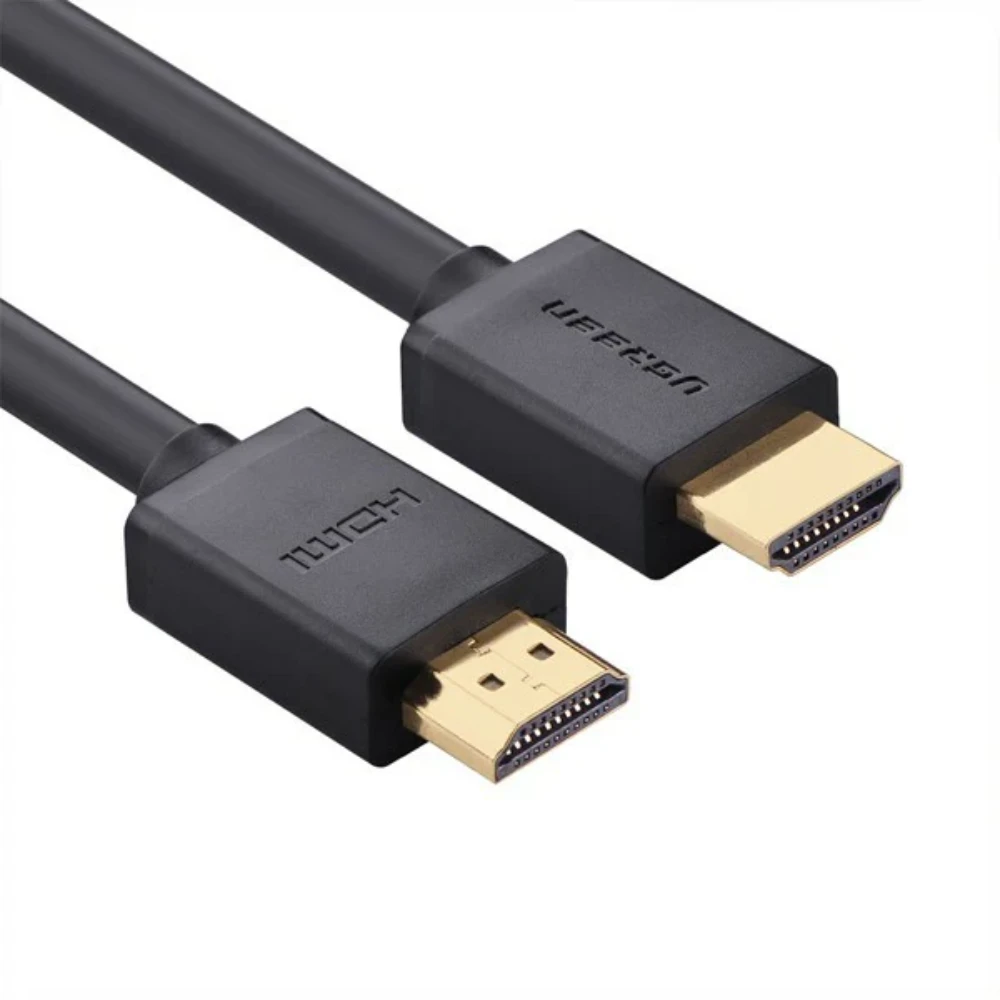
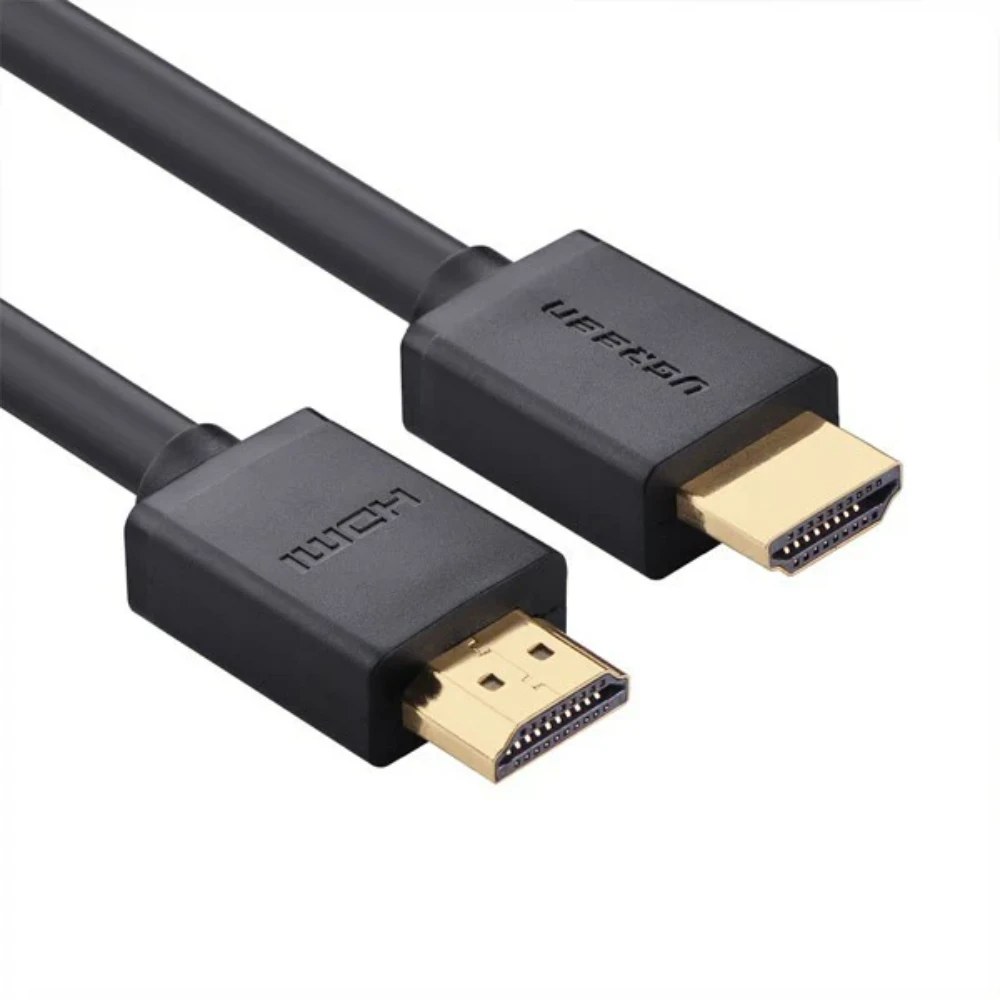
    UGREEN 10112

    When It’s Not the Cable

    If you’ve already ruled out length, shielding, and connector quality, and the problem persists across more than one cable, the issue is more likely on the source or display side, such as an HDMI port setting, resolution mismatch, or firmware issue. But given how often the cable itself is the actual culprit, it’s a cheap and quick thing to test first.

    Frequently Asked Questions

    Why would a cable cause flickering if it worked fine before?

    Connectors can wear down with repeated plugging and unplugging, and if the cable was already at the edge of its rated distance or bandwidth, small amounts of degradation over time can push it into unreliable territory.

    Does gold plating on connectors actually matter?

    Gold-plated connectors, used on cables like the UNITEK C11041BK and UNITEK C11086GY01-3M, resist corrosion better than uncoated contacts, which helps maintain a stable connection over the life of the cable.

    Is a longer cable more likely to cause signal problems?

    Longer copper runs are more demanding on a cable’s construction, which is why long cables like the UGREEN 10112 (20M) rely on multi-layer shielding. If you’re seeing issues on a long run, a fiber optic option like the UNITEK C11072BK-20M is worth considering.

    Should I replace the cable or the device first?

    Start with the cable, since it’s the cheaper and faster thing to rule out. A properly shielded, gold-plated cable like the UNITEK C11041BK (Rs. 5,824) is a reasonable, affordable first replacement to test before assuming the TV or source device is at fault.
  • Do You Need an HDMI Cable with Ethernet for Your Home Theater?

    Do You Need an HDMI Cable with Ethernet for Your Home Theater?

    What the Ethernet Channel Actually Does

    An HDMI cable with an Ethernet channel can carry a network connection alongside the usual audio and video signal, over the same single cable. The UGREEN 10109 High Speed HDMI Cable with Ethernet Full Copper 5M (Rs. 4,500) is built with this Ethernet Channel support, on top of full copper construction and up to 10.2Gb/s data transfer for 4K video. In a home theater setup, that means devices that support this feature could, in theory, share your network connection over the HDMI cable rather than needing a separate Ethernet run to every device.

    UGREEN 10109 High speed HDMI cable with Ethernet full copper 5M

    Audio Return and Surround Sound

    For most home theater setups, audio handling matters just as much as networking. The UNITEK C11045BK HDMI to HDMI Cable 18Gbps 4K@60Hz 15M (Rs. 15,339, down from Rs. 17,360) supports ARC and CEC alongside HDR and 3D, and carries Dolby TrueHD and DTS-HD audio formats, which matters if you’re running a receiver or soundbar over a longer 15-meter distance and want it to handle both video and premium surround sound formats without a separate audio cable.

    UNITEK C11045BK HDMI TO HDMI CABLE 18GBPS 4K@60HZ 15M

    Do You Actually Need the Ethernet Channel?

    For most households, the Ethernet channel is a nice-to-have rather than a must-have, it only helps if your specific devices are built to use it and you’d genuinely rather share a network connection over HDMI than run a separate cable or use Wi-Fi. ARC (Audio Return Channel), found in cables like the UNITEK C11045BK, or eARC, found in newer cables such as the UNITEK C11086GY01-5M (Rs. 5,790), tends to be the more commonly used feature in day-to-day home theater setups, since it lets your TV send audio back to a soundbar or receiver over the same HDMI cable used for video.

    Building a Simple Home Theater Cable Plan

    A practical way to think about it: if your source devices (streaming boxes, consoles) are already connected to the internet over Wi-Fi and you just want clean audio and video to your TV and soundbar, focus on ARC/eARC support and solid shielding rather than the Ethernet channel specifically. The Ethernet Channel feature on the UGREEN 10109 is there for setups that specifically want to consolidate networking and video onto a single cable run, which is more common in custom installations than typical home setups, but it’s a genuinely useful option to have if your equipment supports it.

    Frequently Asked Questions

    What’s the benefit of an HDMI cable with Ethernet like the UGREEN 10109?

    It lets HDMI-connected devices that support the feature share a network connection over the same cable used for audio and video, which can reduce the number of separate cables running to your entertainment center.

    Is ARC the same thing as an Ethernet channel?

    No, they’re different features. ARC (Audio Return Channel), supported by the UNITEK C11045BK, sends audio from your TV back to a soundbar or receiver. The Ethernet channel on the UGREEN 10109 is about sharing a network connection, not audio.

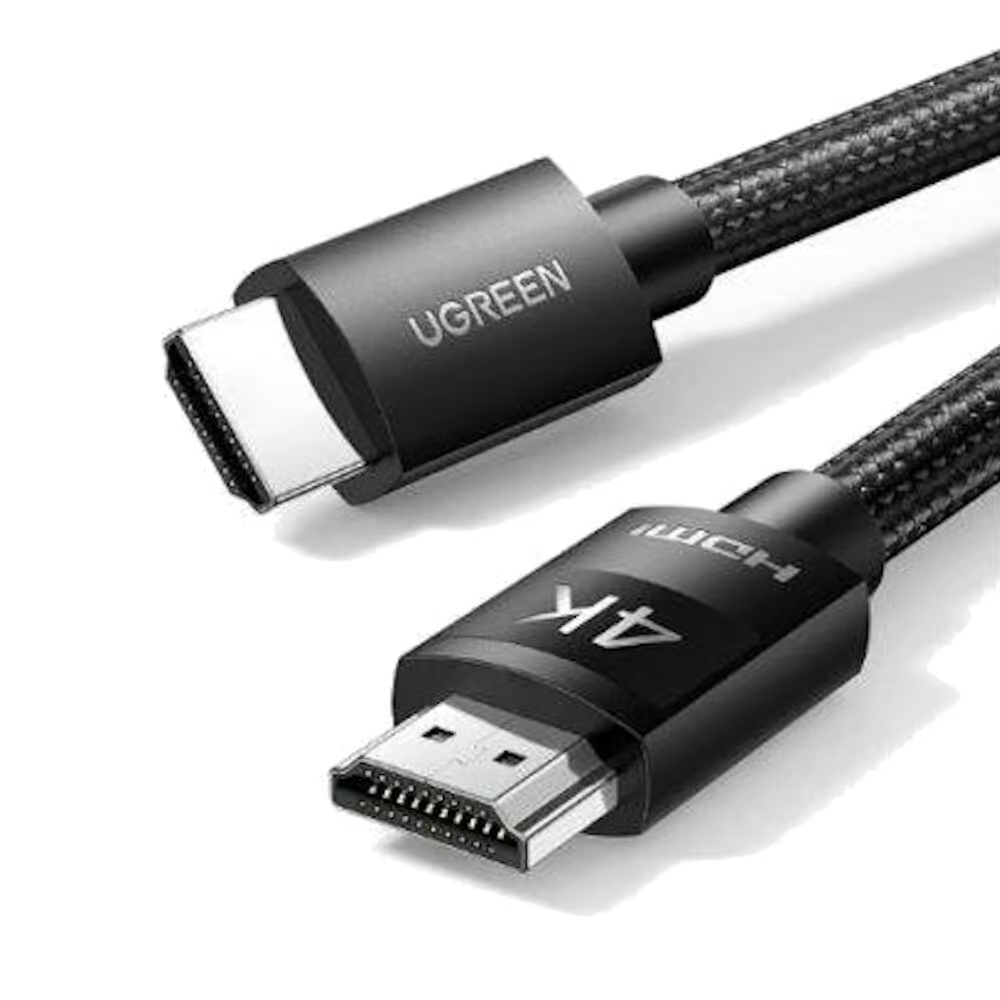
    Does the UGREEN 10109 support 4K video as well as Ethernet?

    Yes, it’s built on the HDMI 2.0 standard with full copper construction, supporting 4K resolution and up to 10.2Gb/s data transfer alongside the Ethernet channel.

    Which cable is better for a receiver-based surround sound setup?

    The UNITEK C11045BK is a strong fit here, since it supports ARC, CEC, and Dolby TrueHD/DTS-HD audio formats over a longer 15-meter run at 4K@60Hz.

  • Right-Angle HDMI Cables: A Simple Fix for Wall-Mounted TVs and Tight Spaces

    Right-Angle HDMI Cables: A Simple Fix for Wall-Mounted TVs and Tight Spaces

    The Problem With Straight Connectors on Mounted TVs

    Wall-mounted TVs are often pushed close to the wall to keep a clean, minimal look, but that leaves very little room for a standard straight HDMI plug, which sticks out several centimeters from the port. In tight cases, the plug can be bent at an awkward angle against the wall, putting stress on both the cable and the port over time.

    A Connector Built for the Job

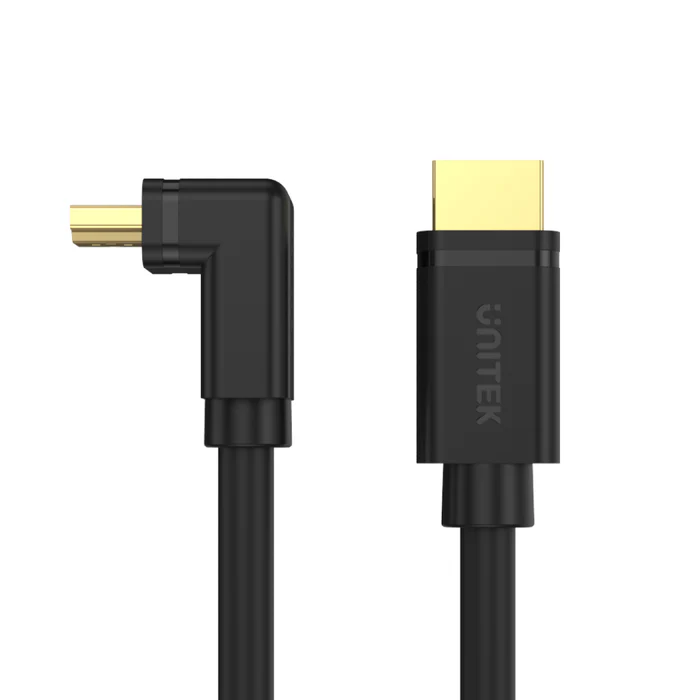
    The UNITEK Y-C1002 HDMI to HDMI Right Angle 90° Cable 3M (Rs. 3,761, down from Rs. 4,256) solves this directly with a 90-degree connector design, so the cable runs flat along the wall instead of sticking straight out. It still supports 4K Ultra HD at 60Hz and uses gold-plated connectors, so you’re not giving up performance for the space-saving shape, just a friendlier physical fit for a mounted TV or a cabinet with limited depth.

    UNITEK Y-C1002 HDMI TO HDMI RIGHT ANGLE 90° CABLE 3M 4K@60HZ

    Managing Cable Routing in Cabinets and Trunking

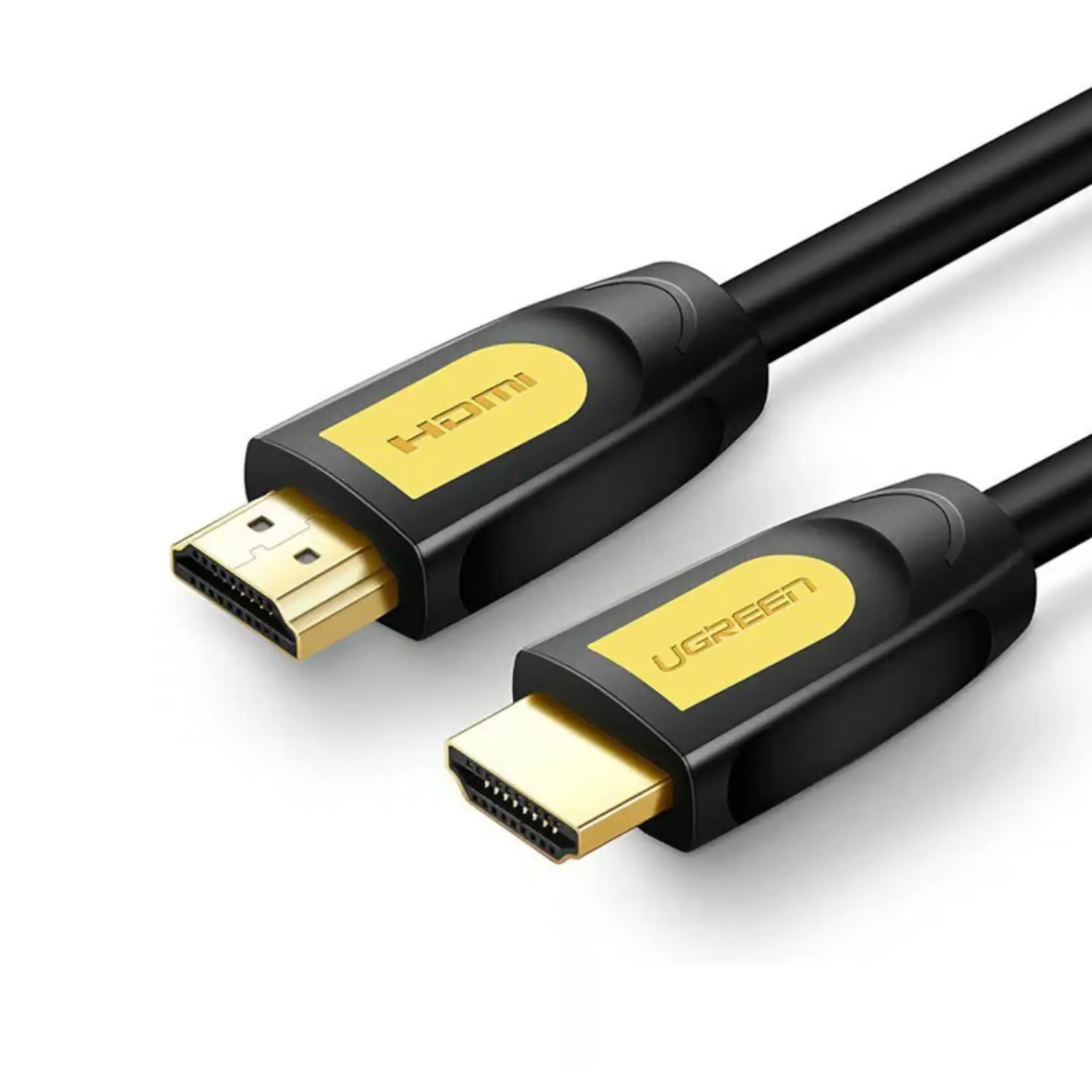
    Beyond the connector shape, the cable’s jacket design also affects how easily it routes through tight spaces like wall trunking or a crowded AV cabinet. Round-jacketed cables such as the UGREEN 10130 HDMI Round Cable 3M in yellow/black (Rs. 4,245) are built with a round cable structure that tends to route more predictably through conduit than flat cables, and the bright yellow/black finish makes it easy to pick out of a bundle of similar-looking cables behind an entertainment unit. For longer wall runs, the same round design is available at 15 meters with the UGREEN 11106 (Rs. 14,560).

    UGREEN 10130 HDMI ROUND CABLE 3M (YELLOW/BLACK)

    Putting It Together

    For a wall-mounted TV where space right at the port is the main issue, the UNITEK Y-C1002’s right-angle connector is the most direct fix. If your challenge is more about neatly routing a cable through trunking or a crowded cabinet rather than the connector shape itself, a round cable like the UGREEN 10130 or UGREEN 11106 is worth considering alongside it. In many installations, both problems show up together, a mounted TV with cable trunking running down to a media console, in which case pairing a right-angle connector at the TV end with a round cable for the rest of the run covers both issues at once.

    It’s also worth checking the depth of your wall mount before ordering. Some ultra-slim or flush mounts leave only a centimeter or two of clearance behind the TV, and in those cases a right-angle cable like the UNITEK Y-C1002 isn’t just a convenience, it can be the only practical way to make the connection at all without a spacer or a different mount.

    Frequently Asked Questions

    Does a right-angle HDMI cable perform any differently from a straight one?

    The UNITEK Y-C1002 still supports 4K Ultra HD at 60Hz with gold-plated connectors, just like many straight cables in this category. The 90-degree design is about physical fit, not a change in signal capability.

    What length does the right-angle HDMI cable come in?

    The UNITEK Y-C1002 is available at 3 meters, which suits most setups where a mounted TV sits a short to medium distance from a media console or wall outlet.

    Why choose a round HDMI cable over a flat one for wall routing?

    A round cable structure, like the one used in the UGREEN 10130 and UGREEN 11106, tends to sit more predictably inside trunking or conduit, and the yellow/black finish makes the cable easy to identify.

    Can I use a right-angle cable for a normal, non-wall-mounted TV setup?

    Yes, the UNITEK Y-C1002 works like any other 4K@60Hz HDMI cable, so it’s fine to use even if space isn’t tight, some people simply prefer the lower profile it gives behind the TV.

  • Micro HDMI Explained: Connecting Cameras and Compact Devices to Your TV

    Micro HDMI Explained: Connecting Cameras and Compact Devices to Your TV

    Why Your Camera Doesn’t Have a Full-Size HDMI Port

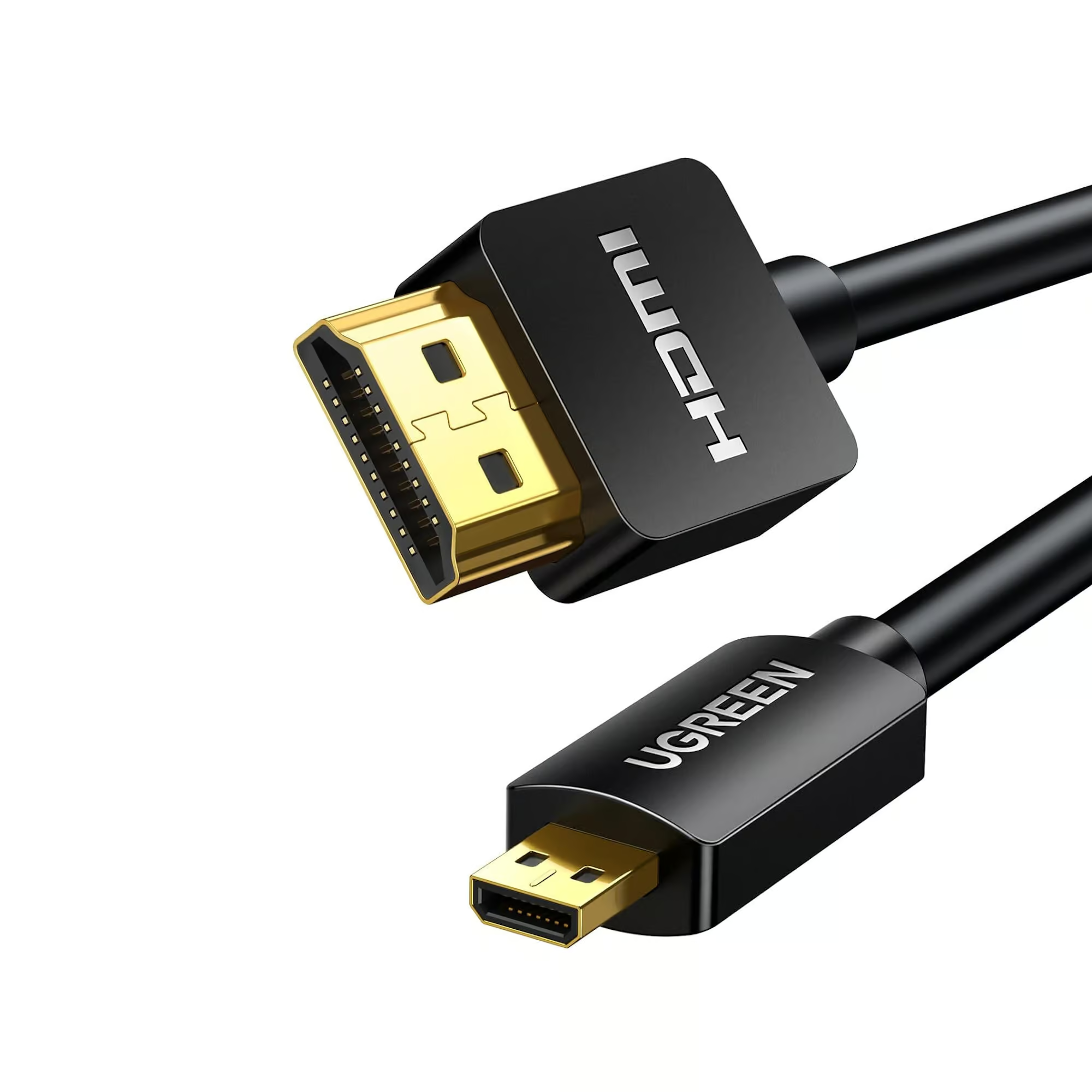
    Space is tight inside a compact camera, camcorder, or small tablet, so many manufacturers use the smaller Micro HDMI (Type D) connector instead of the full-size HDMI port found on TVs and monitors. That means you can’t connect one of these devices straight to your TV with a standard HDMI cable, you need a cable with a Micro HDMI connector on one end.

    A Cable Built for Both Directions

    The UGREEN 30104 Micro HDMI 4K/60Hz 3D Effect Micro HDMI to HDMI cable is designed as a bi-directional cable, meaning it works as Micro HDMI to HDMI or HDMI to Micro HDMI depending on which way you need it. It has gold-plated connectors and delivers 1080p, 1440p, 3D, ARC, and Ethernet support, and it comes in four lengths, 0.5m, 1m, 2m, and 3m, so you can pick based on how far your camera or device will sit from the TV.

    UGREEN 30104 Micro HDMI 4K/60Hz 3D Effect Micro HDMI to HDMI 3meter

    Picking the Right Length

    If you’re tethering a camera to a nearby monitor for review while shooting, the shorter 0.5m or 1m options keep the cable manageable on a tripod or desk. If you’re plugging a camcorder into a TV across the room for playback, the 2m or 3m lengths give you more freedom to position the device comfortably. Since this is a Micro HDMI cable rather than a full-size one, it’s meant to go straight from your device to the TV, it isn’t an accessory you’d pair with a standard male-to-male HDMI cable like the UGREEN 40101 4K HDMI Male to Male Cable Braided 2M (Rs. 3,158) already running to your TV, since that one uses full-size connectors on both ends.

    If You Need More Reach

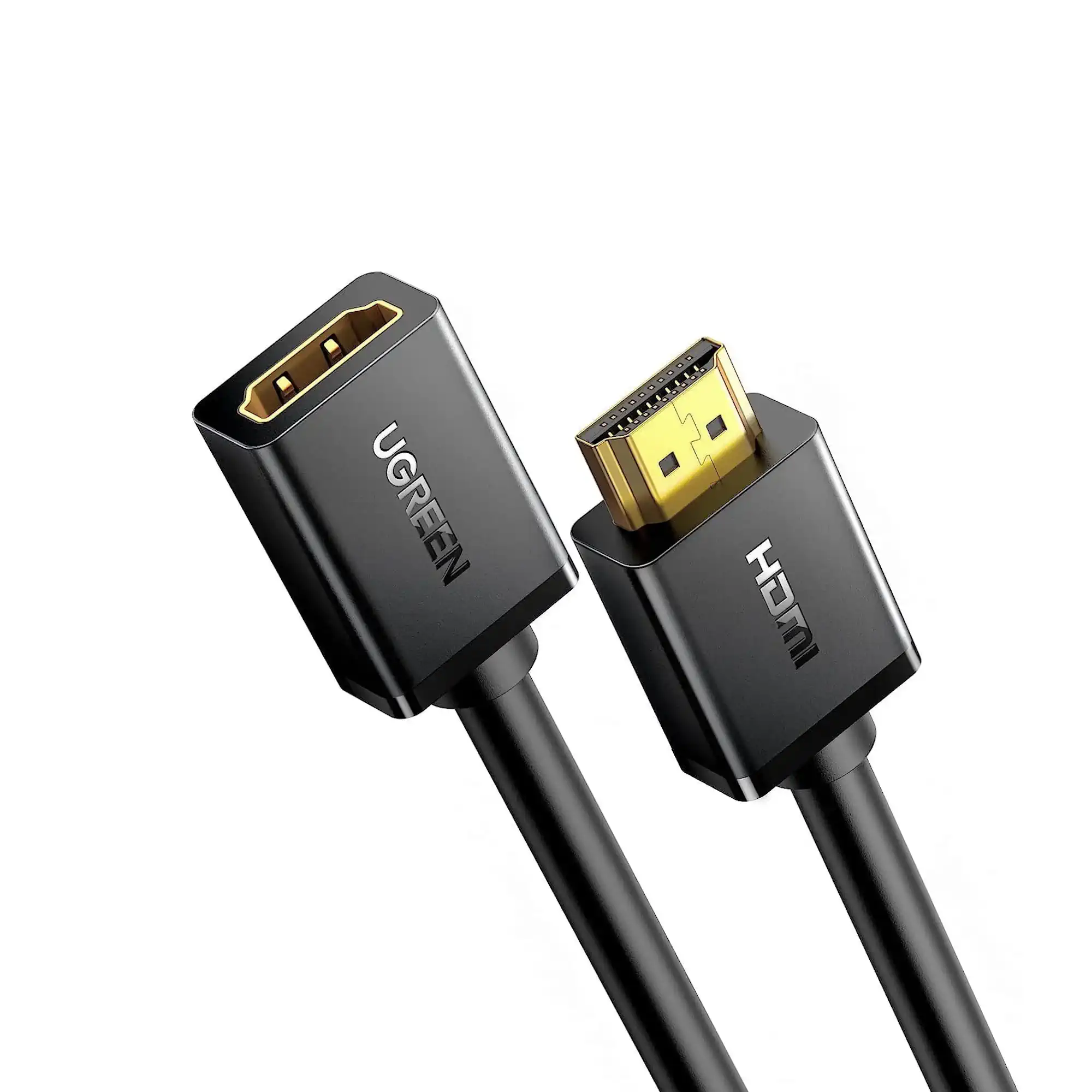
    If the Micro HDMI cable itself doesn’t reach far enough and you need to extend a full-size HDMI connection elsewhere in your setup, an extension cable such as the UGREEN 10142 HDMI Male to Female Extension Cable 2M (Rs. 2,685) can add reach to a standard HDMI run, though it won’t connect directly to a Micro HDMI device.

    UGREEN 10142 HDMI MALE TO FEMALE EXTENSION CABLE 2M

    Frequently Asked Questions

    What is Micro HDMI used for?

    Micro HDMI (Type D) is a smaller HDMI connector commonly found on compact cameras, camcorders, and some tablets, where a full-size HDMI port would take up too much space.

    Does the UGREEN 30104 work both ways, from Micro HDMI to HDMI and HDMI to Micro HDMI?

    Yes, it’s built as a bi-directional cable, so it can connect Micro HDMI to HDMI or HDMI to Micro HDMI depending on your devices.

    What lengths does this Micro HDMI cable come in?

    It’s available in 0.5m, 1m, 2m, and 3m, so you can choose based on whether you’re tethering a camera close by or connecting to a TV across the room.

    Can I use this cable with a standard HDMI extension cable?

    The UGREEN 30104 connects a Micro HDMI device to a full-size HDMI display directly. It’s a different connector type from a standard male-to-female HDMI extension like the UGREEN 10142, so check which end of your setup actually needs extending before combining cable types.

  • HDMI Extension Cables: When You Need One and How to Choose the Right Length

    HDMI Extension Cables: When You Need One and How to Choose the Right Length

    What an HDMI Extension Cable Actually Does

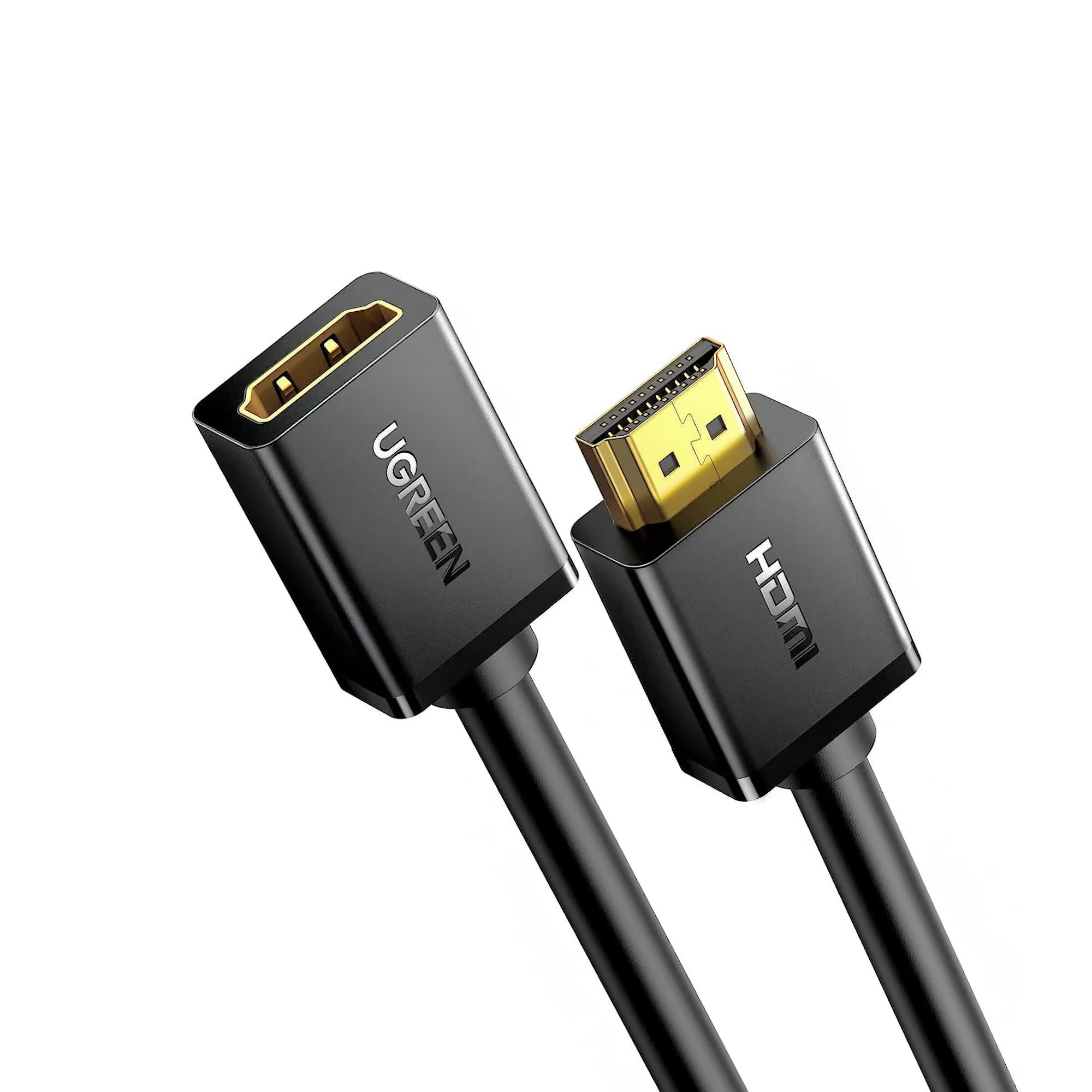
    An HDMI extension cable has a male connector on one end and a female connector on the other, so it plugs directly into your existing HDMI cable or device port and adds distance without replacing anything. This is different from a standard male-to-male HDMI cable, which replaces the whole connection. The UGREEN 10142 HDMI Male to Female Extension Cable 2M (Rs. 2,685, down from Rs. 2,856) supports 4K@30Hz, 1080p@60Hz, and 3D video, and is backward compatible down to standard 1080p Full HD, making it a flexible option for most TVs and monitors.

    UGREEN 10142 HDMI MALE TO FEMALE EXTENSION CABLE 2M

    When a Longer Extension Makes Sense

    If you need more reach, the UGREEN 10146 HDMI Male to Female Extension Cable 5M (Rs. 6,160) extends an existing HDMI connection by a full 5 meters, using copper conductors with multi-layer shielding to keep the added distance from hurting signal quality. This is useful when a device is mounted somewhere the original cable doesn’t quite reach, without needing to run a brand-new full-length cable from the source.

    UGREEN 10146 HDMI MALE TO FEMALE EXTENSION CABLE 5M

    Extension Cable vs a New Longer Cable

    Extension cables make the most sense when your existing cable is almost the right length and you just need to close a small gap, or when you want to protect a device’s HDMI port from repeated plugging and unplugging by using the extension as a buffer. If you’re setting up a connection from scratch and know you need a long run, it’s generally better to buy one cable rated for the full distance, like a 10-meter or 15-meter HDMI cable, rather than combining a short cable with an extension. Every additional connector in the chain is another point where the signal can weaken, especially over longer combined distances.

    A Common Use Case: Protecting a Port You Use Often

    Beyond simply adding length, an extension cable is also a practical way to protect a port that gets plugged and unplugged frequently, such as a laptop HDMI input used by different visitors in an office, or a games console that gets moved for cleaning. Instead of the wear happening directly on the TV or laptop’s built-in HDMI port, it happens on the female end of the extension cable instead, which is far cheaper and easier to replace than the port itself. Both the UGREEN 10142 and UGREEN 10146 are suited to this kind of everyday use, not just as a fix for a slightly-too-short cable.

    Frequently Asked Questions

    What’s the difference between an extension cable and a regular HDMI cable?

    A regular HDMI cable has male connectors on both ends and replaces the full connection. An extension cable like the UGREEN 10142 has a male end and a female end, so it plugs into your existing cable to add length rather than replacing it.

    Can I use more than one extension cable in a row?

    It’s best to avoid chaining multiple extensions together. Each added connector is a potential point of signal loss, so if you need a lot of extra length, a single longer cable is generally the more reliable choice.

    What resolution do these extension cables support?

    The UGREEN 10142 supports 4K@30Hz, 1080p@60Hz, and 3D video, and is backward compatible with lower resolutions, which covers most everyday TV and monitor setups.

    Why would I use an extension cable instead of just buying a longer cable?

    If your current cable is only a little short, an extension like the UGREEN 10142 (2M, Rs. 2,685) or UGREEN 10146 (5M, Rs. 6,160) is cheaper and simpler than replacing a cable that otherwise works fine.

  • The Right HDMI Cable for Next-Gen Gaming: 8K, 4K@120Hz, and VRR Explained

    The Right HDMI Cable for Next-Gen Gaming: 8K, 4K@120Hz, and VRR Explained

    Resolution Isn’t the Only Number That Matters

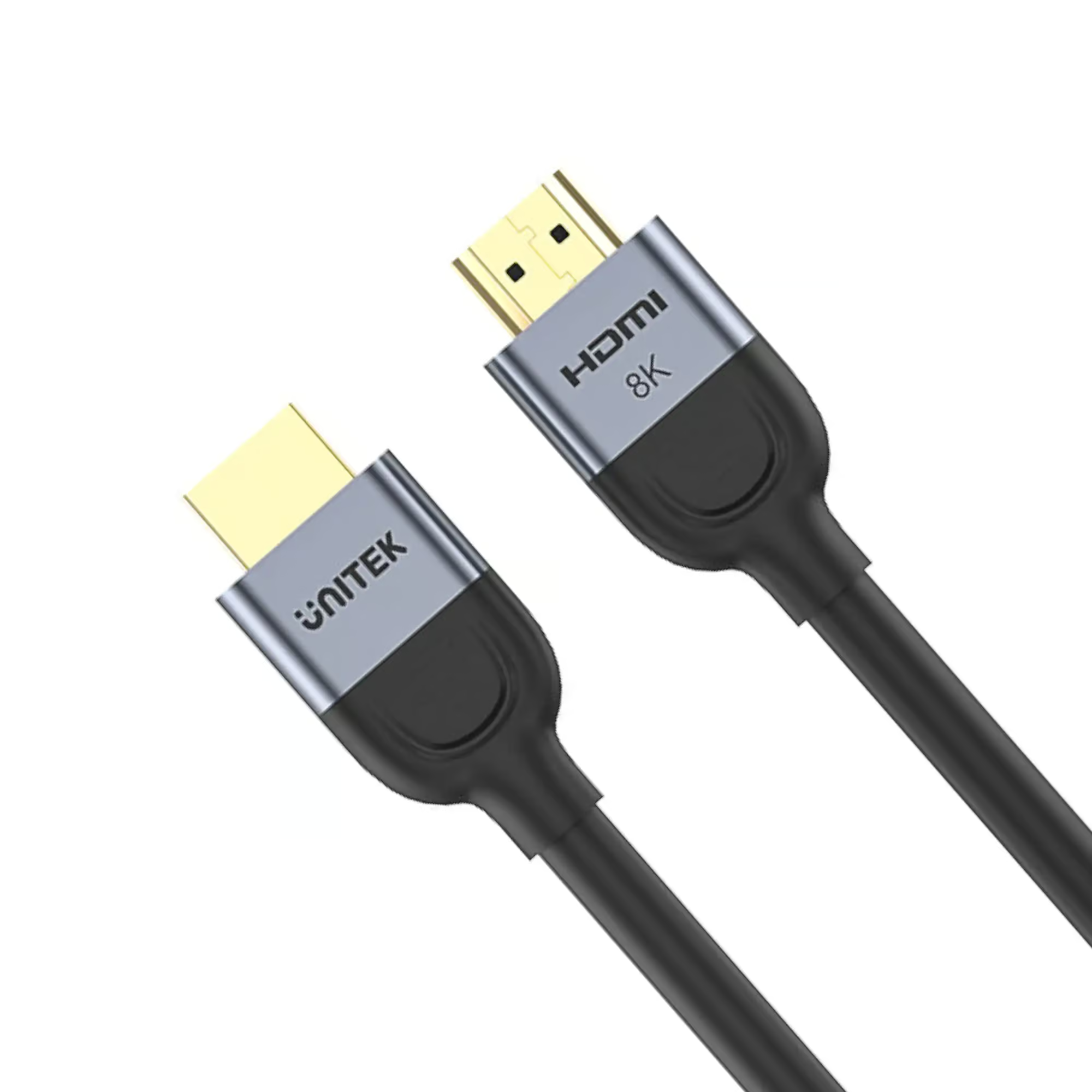
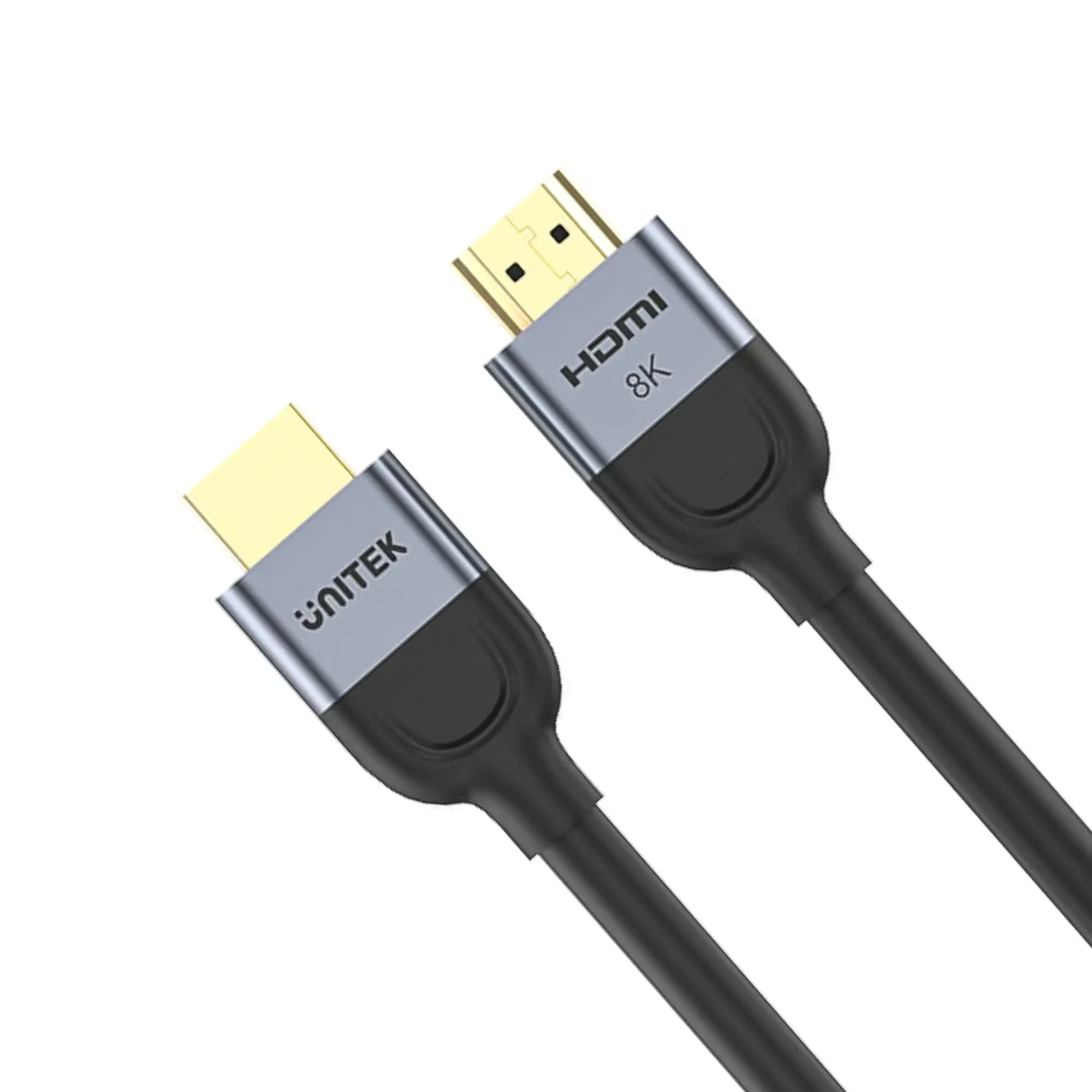
    Gaming cables need to carry more than a resolution figure, they also need to support the responsiveness features that current-generation consoles use. The UNITEK C11086GY01-5M HDMI to HDMI Cable 8K@60Hz (Rs. 5,790, down from Rs. 6,160) is built around this, supporting Dynamic HDR, eARC, VRR (Variable Refresh Rate), ALLM (Auto Low Latency Mode), and QFT, all on the HDMI 2.1 standard with gold-plated connectors and triple shielding. These are the features that reduce input lag and stop screen tearing during fast-paced gameplay, and they only work reliably if the cable itself supports them.

    UNITEK C11086GY01-5M HDMI TO HDMI CABLE 8K@60HZ 5M

    Higher Refresh Rates for Competitive Play

    If your monitor or TV supports higher refresh rates at 4K, the UNITEK C11086GY01-3M HDMI to HDMI Cable 8K@60Hz (Rs. 5,159, down from Rs. 5,488) supports 8K@60Hz as well as 4K@120Hz with Dynamic HDR, making it a solid shorter-distance option for a console or gaming PC placed close to the display. For a longer run from console to TV across a living room, the UGREEN 50731 2.1 HDMI 8K Male to Male Braided Cable 8M (Rs. 15,500) covers the same ground at 8 meters, with 48Gbps bandwidth and support for 8K@60Hz or 4K@240Hz, plus Dynamic HDR and Dolby Vision.

    UGREEN 50731 2.1 HDMI 8K MALE TO MALE BRAIDED CABLE – 8M

    What If You’re Not Chasing 120Hz or 8K?

    If your console and TV are both capped at 4K@60Hz, you don’t need to spend on an HDMI 2.1 cable at all. A high-speed HDMI 2.0 cable such as the UNITEK C11045BK (15M, Rs. 15,339) already supports HDR, 3D, ARC, and CEC at 4K@60Hz, along with Dolby TrueHD and DTS-HD audio, which covers most current-generation console gaming comfortably.

    Matching the Cable to Where the Console Actually Sits

    Distance matters as much as bandwidth in a gaming setup. A console sitting directly under or beside the TV only needs a short run, so a compact option keeps cable clutter down, while a console connected to a projector or a TV mounted further away needs a cable rated for that length without losing the gaming features you’re paying for. That’s exactly why the UNITEK C11086GY01 series comes in both 3-meter and 5-meter lengths, and why the UGREEN 50731 extends the same HDMI 2.1 feature set out to 8 meters, so you can match bandwidth and reach at the same time instead of compromising on one to get the other.

    Frequently Asked Questions

    Do I need an HDMI 2.1 cable to use VRR and ALLM on my console?

    Yes, these features require a cable built to support them, such as the UNITEK C11086GY01-5M, which lists Dynamic HDR, eARC, VRR, and ALLM support directly. A standard HDMI 2.0 cable is not built with these features in mind.

    What’s the difference between the 3-meter and 5-meter UNITEK 8K cables?

    Both the UNITEK C11086GY01-3M (Rs. 5,159) and UNITEK C11086GY01-5M (Rs. 5,790) support 8K@60Hz, but the 5-meter version adds eARC, VRR, ALLM, and QFT support alongside Dynamic HDR, while the 3-meter version focuses on 8K@60Hz / 4K@120Hz with Dynamic HDR.

    Which cable should I use if my console sits far from the TV?

    The UGREEN 50731 (8M) is built for exactly this scenario, offering 48Gbps bandwidth and 8K@60Hz / 4K@240Hz support at a longer 8-meter length.

    Is eARC only useful for gaming?

    No, eARC (found on the UNITEK C11086GY01-5M) is primarily about sending high-quality audio back from your TV to a soundbar or receiver, which is useful for both gaming and general TV or movie watching.

  • Connecting Your Laptop to a TV or Monitor: USB-C and DisplayPort to HDMI Explained

    Connecting Your Laptop to a TV or Monitor: USB-C and DisplayPort to HDMI Explained

    If Your Laptop Only Has USB-C

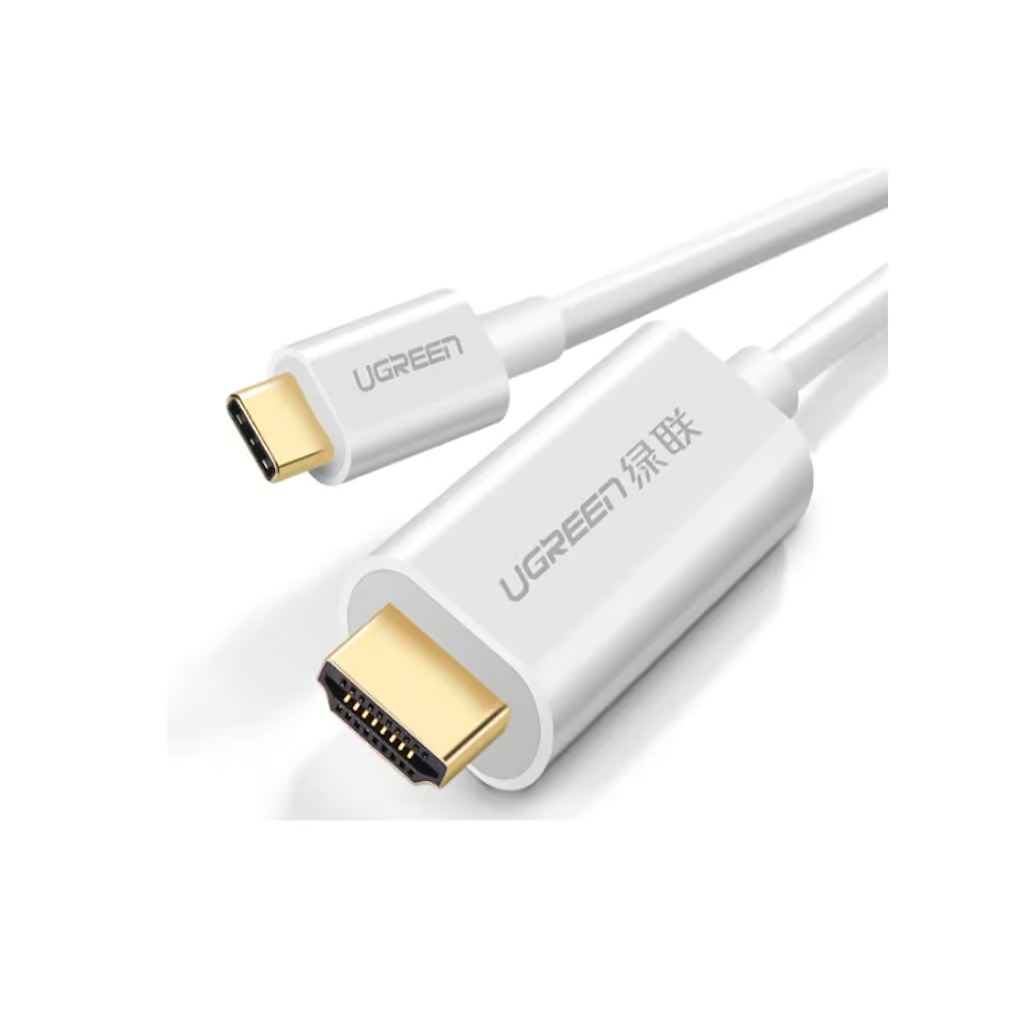
    Many modern laptops, tablets, and phones have dropped full-size HDMI entirely in favor of USB-C. The UGREEN 30841 USB Type-C to HDMI Cable 1.5M (Rs. 7,370, down from Rs. 7,840) is designed to bridge that gap, connecting a USB-C device directly to an HDMI display with 4K@60Hz output. It’s a plug-and-play design, so there’s no separate adapter box or driver install needed, just plug one end into your laptop’s USB-C port and the other into your TV or monitor’s HDMI input.

    UGREEN 30841 USB TYPE-C TO HDMI CABLE 1.5M

    If Your Laptop or Graphics Card Has DisplayPort

    Desktop PCs and some laptops output video over DisplayPort instead. For these, a DisplayPort-to-HDMI cable does the job of converting that signal for an HDMI display. The UGREEN 10239 DisplayPort to HDMI Male to Male Cable 1.5M (Rs. 5,400) connects a DP source directly to an HDMI display for high-definition video and audio, while the shorter UGREEN 10238 4K UHD DP to HDMI Cable 1M (Rs. 4,843, down from Rs. 5,152) supports resolution up to 3840×2160 at 30Hz with gold-plated connectors for a stable connection over a shorter distance. Keep in mind that DisplayPort-to-HDMI cables like these are generally designed to send signal in one direction, from the DisplayPort source to the HDMI display, not the other way around.

    UGREEN 10238 4K UHD DP TO HDMI CABLE 1M

    Picking the Right One for Your Laptop

    Check your laptop’s ports before ordering. If it has a USB-C port capable of video output, the UGREEN 30841 is the simpler option since it needs nothing beyond the cable itself. If your device only outputs over DisplayPort, go with the UGREEN 10239 or UGREEN 10238 depending on the distance you need to cover, and note that 10238 is rated for 30Hz refresh at 4K UHD, which is fine for presentations and general use but worth knowing if you were expecting a higher refresh rate.

    Working From a Meeting Room or Home Office

    These cables are especially handy for shared meeting rooms or home offices where the display is already fixed to the wall or a desk mount and different people bring in different laptops. Keeping a UGREEN 30841 USB Type-C to HDMI Cable 1.5M next to the TV or monitor means a USB-C laptop can be plugged in immediately without hunting for the right adapter, while a UGREEN 10239 or UGREEN 10238 covers a DisplayPort laptop the same way. Since both of the DisplayPort options here are sold at 1 to 1.5 meters, they’re best suited to a laptop sitting on a desk or table near the display rather than across a large room.

    Frequently Asked Questions

    Will the UGREEN 30841 work with any USB-C laptop?

    It’s built for USB-C laptops, tablets, and smartphones that support video output over USB-C, delivering 4K@60Hz to an HDMI display. Since USB-C video output support varies by device, it’s worth confirming your specific laptop supports video over its USB-C port.

    What’s the difference between the two DisplayPort to HDMI cables?

    The UGREEN 10239 is a 1.5-meter cable for general high-definition video and audio, while the UGREEN 10238 is a shorter 1-meter cable specifically rated for 4K UHD resolution at 3840×2160 up to 30Hz with gold-plated connectors.

    Can I use a DisplayPort to HDMI cable in reverse, from an HDMI source to a DisplayPort monitor?

    These cables are designed to run from a DisplayPort source to an HDMI display, not the reverse direction, so check your source device’s output port before buying.

    Which cable is best for connecting a laptop to a projector for a presentation?

    For a USB-C laptop, the UGREEN 30841 (1.5M) is straightforward. For a laptop with DisplayPort output, the UGREEN 10239 (1.5M) gives you the same working distance for a presentation room setup.

  • Fiber Optic vs Copper HDMI Cables: Which Should You Buy for Long Runs?

    Fiber Optic vs Copper HDMI Cables: Which Should You Buy for Long Runs?

    Why Distance Is Harder on Copper

    A copper HDMI cable carries its signal as electrical pulses down metal conductors, and the longer that run gets, the more the signal can degrade. Manufacturers compensate with heavier shielding and thicker conductors, which is why long copper cables like the UGREEN 10112 HDMI to HDMI Male Cable 20M (Rs. 17,000) and UGREEN 10113 HDMI to HDMI Male Cable 25M (Rs. 26,028, down from Rs. 29,456) rely on multi-layer shielding and high-purity copper to stay reliable at those lengths.

    Where Fiber Optic Takes Over

    Fiber optic HDMI cables send the signal as light instead of electricity, which makes them naturally immune to electromagnetic and radio interference and far better suited to very long runs. The UNITEK C11072BK-20M HDMI to HDMI Fiber Optic Cable 4K@60Hz (Rs. 18,424, down from Rs. 19,600) is built for exactly this, offering EMI/RFI immunity and 18Gbps bandwidth with support for EDID, HDR, ARC, and Dolby Audio at a 20-meter length.

    UNITEK C11072BK-20M HDMI TO HDMI FIBER OPTIC CABLE 4K@60HZ 20M

    Fiber Options at Different Lengths

    UGREEN’s optical fiber range covers a wide span for 4K@60Hz installations: the 15-meter UGREEN 50215 (Rs. 23,162), the 20-meter UGREEN 50216 (Rs. 27,899), and the 50-meter UGREEN 50219 (Rs. 46,323) all carry 18Gbps bandwidth with gold-plated connectors, and are backward compatible with HDMI 1.4/1.3. One detail worth noting on these: they’re built as a one-way, unidirectional connection, so they need to be installed with the correct end at the source and the correct end at the display.

    For installations that also need 8K support, the UNITEK C11085GY01-10M HDMI to HDMI Fiber Optic Cable 8K@60Hz (Rs. 14,739) and the UNITEK C11085GY01-60M (Rs. 48,429, down from Rs. 51,520) extend fiber optic technology up to a 60-meter run, built on the HDMI 2.1 standard.

    UNITEK C11085GY01-60M HDMI TO HDMI FIBER OPTIC CABLE 8K@60HZ 60M

    Making the Call

    For runs up to around 20 meters where budget matters, a well-shielded copper cable like the UGREEN 10112 is a perfectly workable choice. Once you’re routing a cable through walls, across a large room, or well beyond 20 meters, or the installation runs near sources of electrical interference, fiber optic options like the UNITEK C11072BK-20M or the UGREEN 50000-series cables are the safer long-term investment.

    Frequently Asked Questions

    Is a fiber optic HDMI cable always better than copper?

    Not necessarily for short runs. For distances under 10-15 meters, a shielded copper cable is usually more cost-effective. Fiber optic cables like the UNITEK C11072BK-20M earn their price at longer distances or in electrically noisy environments, thanks to EMI/RFI immunity.

    Do fiber optic HDMI cables need to be installed a specific way?

    Yes, in this range the UGREEN 50215, 50216, and 50219 optical fiber cables are one-way (unidirectional), meaning the source and display ends are not interchangeable, so check cable markings when installing.

    What’s the longest HDMI cable available in this range?

    The UNITEK C11085GY01-60M HDMI to HDMI Fiber Optic Cable reaches 60 meters, built on the HDMI 2.1 standard with 48Gbps bandwidth for 8K@60Hz installations.

    Are fiber optic cables more expensive than copper at the same length?

    Generally yes. For comparison, the 20-meter copper UGREEN 10112 is Rs. 17,000, while the 20-meter fiber optic UNITEK C11072BK-20M is Rs. 18,424 and the 20-meter UGREEN 50216 optical fiber cable is Rs. 27,899, reflecting the added interference resistance and construction.

  • HDMI 2.0 vs HDMI 2.1: What the Difference Actually Means for Your TV

    HDMI 2.0 vs HDMI 2.1: What the Difference Actually Means for Your TV

    It Comes Down to Bandwidth

    The single biggest difference between HDMI 2.0 and HDMI 2.1 cables is how much data they can carry. Higher bandwidth means higher resolution, higher refresh rates, or both, at the same time. Products in the HDMI 2.0 generation, like the UGREEN 10109 High Speed HDMI Cable with Ethernet Full Copper 5M (Rs. 4,500), carry data at up to 10.2Gb/s and handle 4K video comfortably. Stepping up within HDMI 2.0, the UNITEK C11045BK HDMI to HDMI Cable 18Gbps 4K@60Hz 15M (Rs. 15,339, down from Rs. 17,360) pushes to 18Gbps, which is enough headroom for 4K@60Hz with HDR, 3D, ARC, and CEC over a longer 15-meter run.

    Where HDMI 2.1 Changes Things

    HDMI 2.1 cables are built for a noticeably bigger jump. The UGREEN 50731 2.1 HDMI 8K Male to Male Braided Cable 8M (Rs. 15,500) carries 48Gbps of bandwidth, roughly 2.6 times the 18Gbps found in high-speed HDMI 2.0 cables, and is rated for 8K@60Hz or 4K@240Hz along with Dynamic HDR and Dolby Vision. That extra bandwidth is what unlocks smoother, higher-resolution output that HDMI 2.0 cables simply weren’t designed to carry.

    UGREEN 50731 2.1 HDMI 8K MALE TO MALE BRAIDED CABLE – 8M

    Feature Support, Not Just Resolution

    HDMI 2.1 cables also tend to bring along a fuller feature set. The UNITEK C11086GY01-5M HDMI to HDMI Cable 8K@60Hz (Rs. 5,790, down from Rs. 6,160) supports Dynamic HDR, eARC, VRR, ALLM, and QFT, on top of 8K@60Hz and 4K@120Hz resolution, with gold-plated connectors and triple shielding. These are the kinds of features gamers and home-theater enthusiasts look for beyond just a resolution number.

    UNITEK C11086GY01-3M HDMI TO HDMI CABLE 8K@60HZ 3M

    So Which Do You Actually Need?

    If your TV and source both max out at 4K@60Hz, a well-made HDMI 2.0 cable like the UGREEN 10109 or UNITEK C11045BK will do everything you need without paying extra for bandwidth you can’t use. If you own or plan to own an 8K display, or a device capable of 4K at 120Hz or higher, an HDMI 2.1 cable such as the UGREEN 50731 or UNITEK C11086GY01-3M (Rs. 5,159, 8K@60Hz / 4K@120Hz with Dynamic HDR) is the one to buy, since older cables simply won’t carry that extra data.

    Frequently Asked Questions

    Will an HDMI 2.1 cable work with an older HDMI 2.0 device?

    Yes. HDMI cables are backward compatible, so an HDMI 2.1 cable like the UGREEN 50731 will work fine with an HDMI 2.0 TV or console, it will simply run at the lower device’s capability rather than its full 48Gbps potential.

    What’s the practical benefit of 48Gbps over 18Gbps?

    The extra bandwidth in a 48Gbps cable such as the UGREEN 50731 or UNITEK C11086GY01-5M is what allows 8K@60Hz or 4K@240Hz output, along with features like Dynamic HDR, compared to the 18Gbps ceiling of cables like the UNITEK C11045BK.

    Do I need HDMI 2.1 just for 4K@60Hz content?

    No. A high-speed HDMI 2.0 cable like the UGREEN 10109 or UNITEK C11045BK already supports 4K@60Hz, so there’s no need to pay for HDMI 2.1 bandwidth if that’s your ceiling.

    Which cable here is the better value for a mixed-use setup?

    The UNITEK C11086GY01-3M at Rs. 5,159 is a reasonable middle ground, since it supports 8K@60Hz and 4K@120Hz along with Dynamic HDR at a lower price than the longer 8-meter UGREEN 50731.

  • How to Choose the Right HDMI Cable Length for Your Home Setup

    How to Choose the Right HDMI Cable Length for Your Home Setup

    Measure Before You Shop

    The most common HDMI mistake isn’t a spec sheet problem, it’s a tape-measure problem. Before ordering a cable, measure the actual distance from your source device (console, box, laptop) to your TV or projector, then add a little slack for routing around furniture, wall mounts, or trunking. Getting this right the first time saves you from either a cable that won’t reach or one that leaves an untidy loop of extra length behind your TV stand.

    Short Runs: 2 to 3 Meters

    If your console, set-top box, or Blu-ray player sits right next to or just below the TV, you don’t need much length. The UGREEN 40101 4K HDMI Male to Male Cable Braided 2M (Rs. 3,158, down from Rs. 3,360) is a good fit for this kind of tight setup, with a braided exterior that resists kinking. If you’d rather have a bit more reach with a distinct look, the UGREEN 10130 HDMI Round Cable 3M in yellow/black (Rs. 4,245) covers most TV cabinet layouts.

    UGREEN 40101 4K HDMI MALE TO MALE CABLE BRAIDED 2M

    Medium Runs: 5 Meters

    Once you’re connecting an AV receiver, a soundbar, or a device on the other side of a media unit, 5 meters gives you room to work with. The UGREEN 10109 High Speed HDMI Cable with Ethernet Full Copper 5M (Rs. 4,500) is built for exactly this, with full copper conductors for a stable 4K signal over that distance.

    Long Runs: 10 to 25 Meters

    For home theater rooms, ceiling-mounted projectors, or a TV on a wall far from the equipment rack, you’ll want a purpose-built long cable rather than daisy-chaining shorter ones. UGREEN’s HDMI male-to-male range covers this in clear steps: the UGREEN 10110 HDMI to HDMI Male Cable 10M (Rs. 9,500), the 15-meter UGREEN 10111 (Rs. 13,000), the 20-meter UGREEN 10112 (Rs. 17,000), and the UGREEN 10113 HDMI to HDMI Male Cable 25M (Rs. 26,028, down from Rs. 29,456) for the longest installations. All of these use copper conductors with multi-layer shielding to keep the signal clean over distance.

    UGREEN 10114

    Already Have a Cable? Consider an Extension

    If your existing HDMI cable is just a meter or two short, you don’t necessarily need to replace it. An HDMI male-to-female extension cable, such as the UGREEN 10142 (2M, Rs. 2,685) or UGREEN 10146 (5M, Rs. 6,160), plugs into your current cable and adds reach without a full replacement. Just avoid chaining more than one extension in series, since every extra connector is another point where the signal can weaken.

    For runs longer than about 15 to 20 meters, it’s also worth thinking about fiber optic HDMI cables instead of copper, since they’re built to resist signal loss over long distances — but that’s a decision on its own, covered in more detail elsewhere on this blog.

    Frequently Asked Questions

    Does a longer HDMI cable reduce picture quality?

    A well-built copper cable like the UGREEN 10110 or UGREEN 10113 is designed with shielding specifically to maintain signal quality at its rated length. Problems are far more likely with cheap, unshielded cables than with a properly rated one used within its intended length.

    Can I join two HDMI cables together to make a longer run?

    It’s better to buy one cable rated for the full distance you need, such as the 20-meter UGREEN 10112 or 25-meter UGREEN 10113, rather than joining shorter ones. Extension cables like the UGREEN 10142 or UGREEN 10146 are meant to add a small amount of extra reach, not to replace a properly sized cable.

    What length do most people need for a console next to the TV?

    For a console or streaming box sitting in the same cabinet as the TV, 2 to 3 meters is usually enough. The UGREEN 40101 (2M) and UGREEN 10130 (3M) are both sized for this kind of setup.

    Is there a big price jump between the different lengths?

    Yes, price scales with length and cable construction. As a reference point, the 10-meter UGREEN 10110 is Rs. 9,500, while the 25-meter UGREEN 10113 is Rs. 26,028 on sale. It’s worth measuring accurately so you’re not paying for length you don’t need.