A NAS Should Grow With You
One of the most useful things about higher-end NAS units is that they’re rarely a fixed, final purchase. Between expandable RAM, extra NVMe slots, additional network ports, and in some cases more drive bays, several UGREEN NASync models are built to be upgraded rather than replaced as your needs grow.
NVMe Slots: Speed Without Spinning Drives
The UGREEN NASync DXP480T Plus (Rs. 247,408) takes this furthest by skipping traditional hard drive bays altogether in favor of 4 M.2 NVMe slots, giving it an all-flash, NVMe SSD-only storage design built for ultra-fast performance on demanding workflows. It’s powered by an Intel Core i5 12th Gen processor with 8GB of DDR5 RAM expandable up to 64GB, and it’s also WiFi-ready, meaning it can be set up with wireless connectivity for more flexible placement.
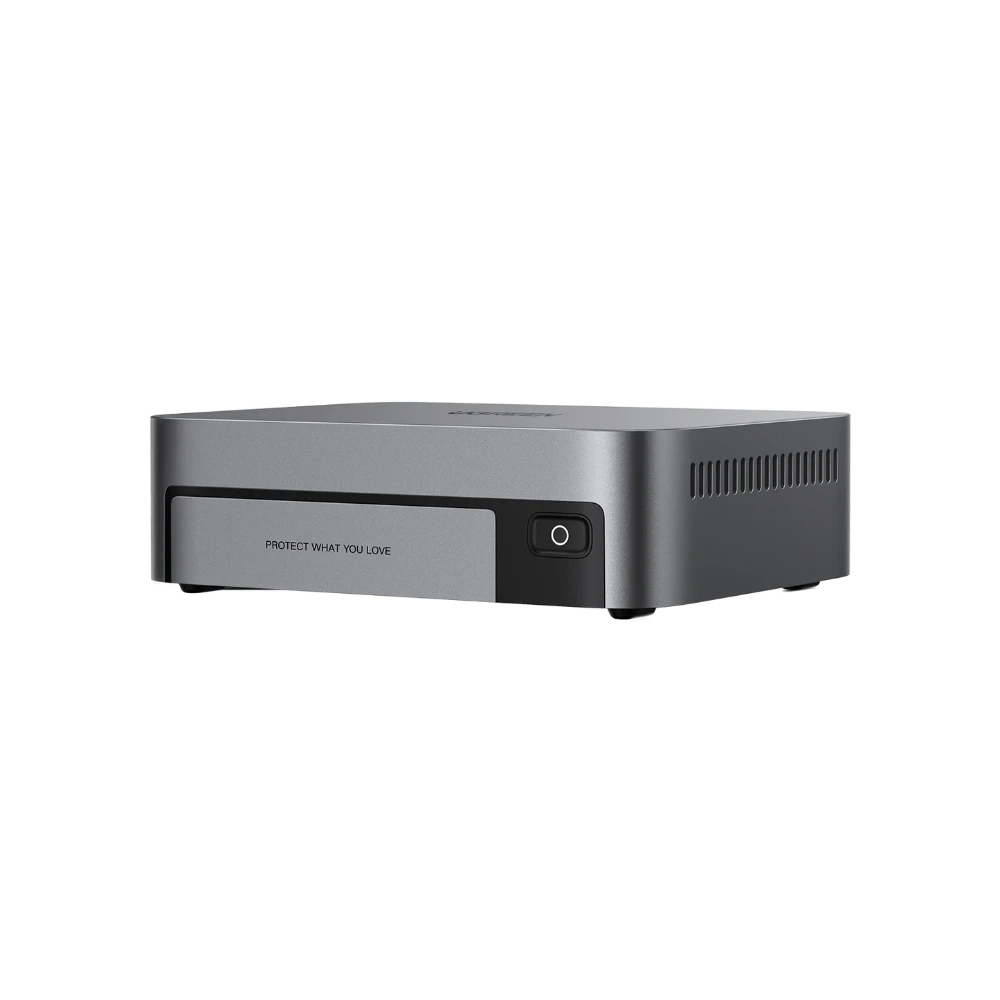
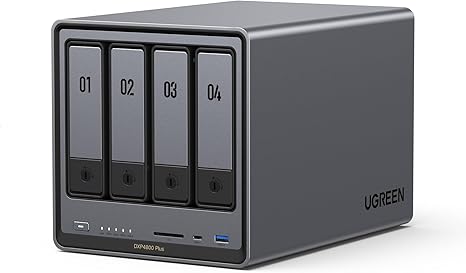
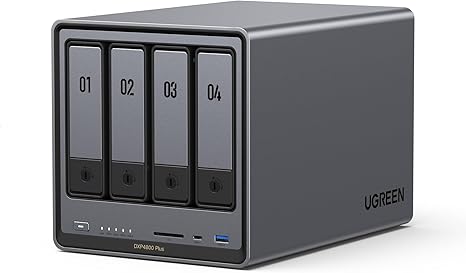
For units with traditional hard drive bays, a smaller number of M.2 NVMe slots are typically used differently — as a fast cache layer that speeds up access to frequently used files, rather than as the primary storage pool. The UGREEN 25371 NASync DXP4800 (Rs. 231,616), for instance, pairs 2 M.2 NVMe slots with a 128GB SSD cache alongside its four traditional drive bays.
Thunderbolt 4: Fast, Direct Connections
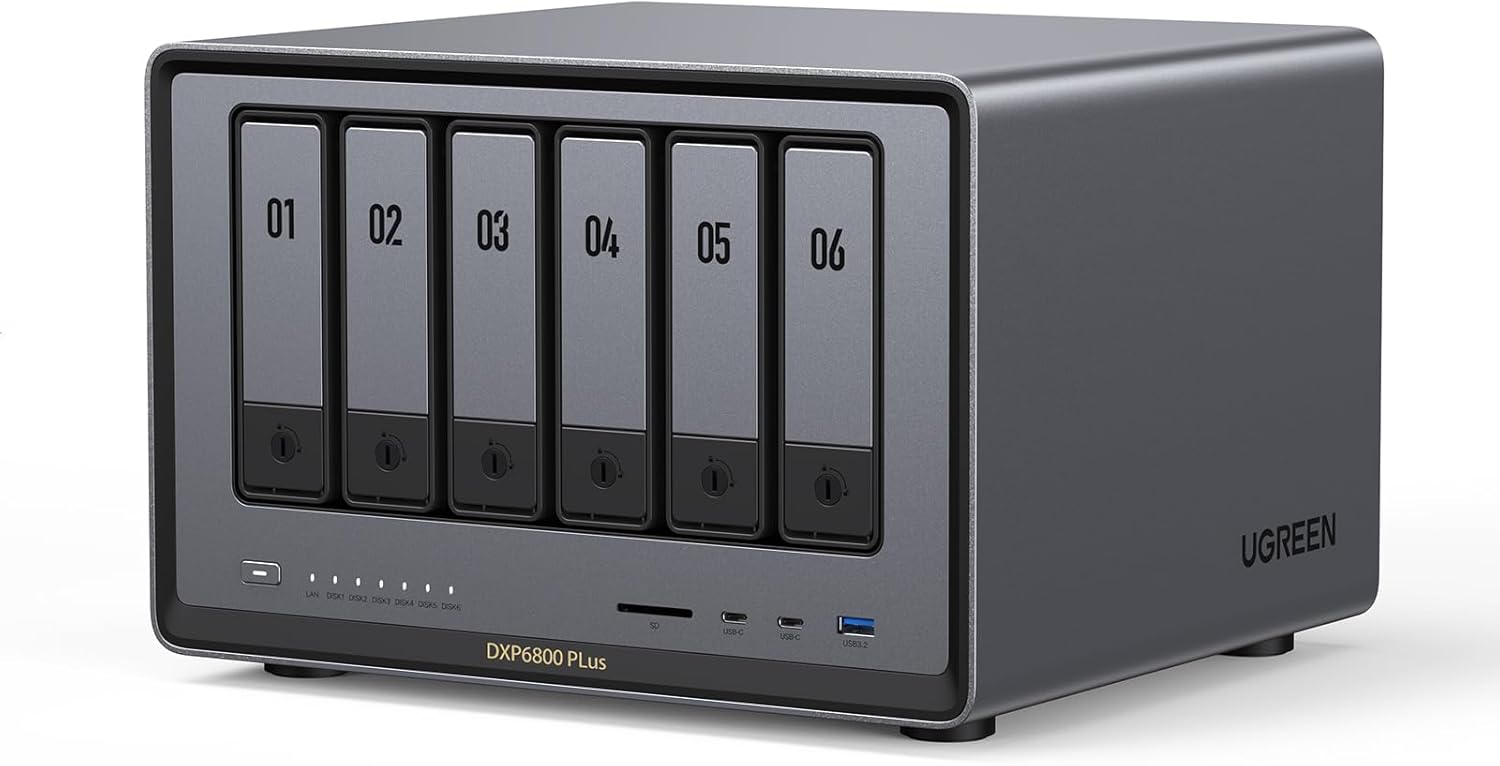
Beyond the network, Thunderbolt 4 ports open up direct, high-speed connections to a single workstation, which matters for professionals working with very large files. The DXP480T Plus includes two Thunderbolt 4 ports, matching the higher-end UGREEN NASync DXP6800 Pro (Rs. 400,590), which also carries 2x Thunderbolt 4 ports alongside its 6 bays, expandable to 8, and dual 10GbE networking.
RAM: The Quiet Upgrade Most People Forget
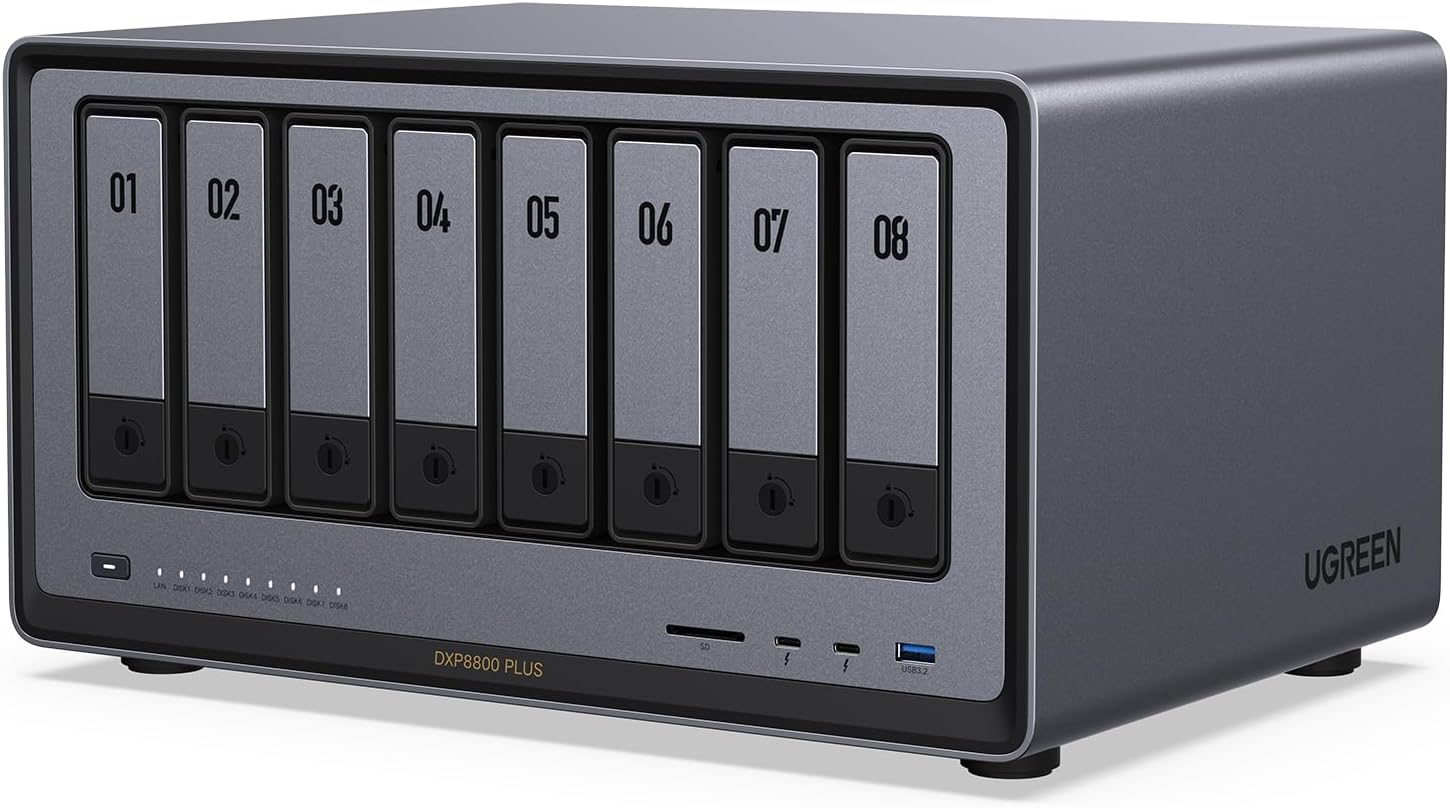
Several of UGREEN’s higher-end NASync models, including the DXP480T Plus, DXP4800 Plus, DXP6800 Pro, and DXP8800 Plus, ship with 8GB of DDR5 RAM but are expandable up to 64GB. More RAM directly helps with running more simultaneous connections, heavier virtualization or app workloads, and faster caching, without touching the storage side of the NAS at all.
Expanding Bay Count Itself
On top of NVMe, Thunderbolt, and RAM, some models let you expand the physical bay count over time. The DXP6800 Pro grows from 6 to 8 bays, and the DXP8800 Plus grows from 8 to 10, meaning the storage ceiling isn’t fixed at the point of purchase for those who plan to scale up gradually rather than buying their maximum capacity on day one.
Frequently Asked Questions
What makes the DXP480T Plus different from bay-based NAS units?
The DXP480T Plus uses 4 M.2 NVMe slots instead of traditional SATA hard drive bays, making it an all-flash, NVMe SSD-only NAS built for faster performance, and it’s also WiFi-ready for more flexible network setup.
How much can I expand the RAM on higher-end UGREEN NAS units?
Models like the DXP480T Plus, DXP4800 Plus, DXP6800 Pro, and DXP8800 Plus all ship with 8GB of DDR5 RAM and support expansion up to 64GB.
What is Thunderbolt 4 useful for on a NAS?
It allows a fast, direct wired connection to a single workstation, which is useful for professionals moving very large files, and it’s available on the DXP480T Plus, DXP4800 Plus, DXP6800 Pro, and DXP8800 Plus in either one or two-port configurations.
Can I add more drive bays later on a unit like the DXP6800 Pro?
Yes, the DXP6800 Pro ships with 6 bays but is expandable to 8, and similarly the DXP8800 Plus expands from 8 bays to 10, allowing storage capacity to grow after the initial purchase.